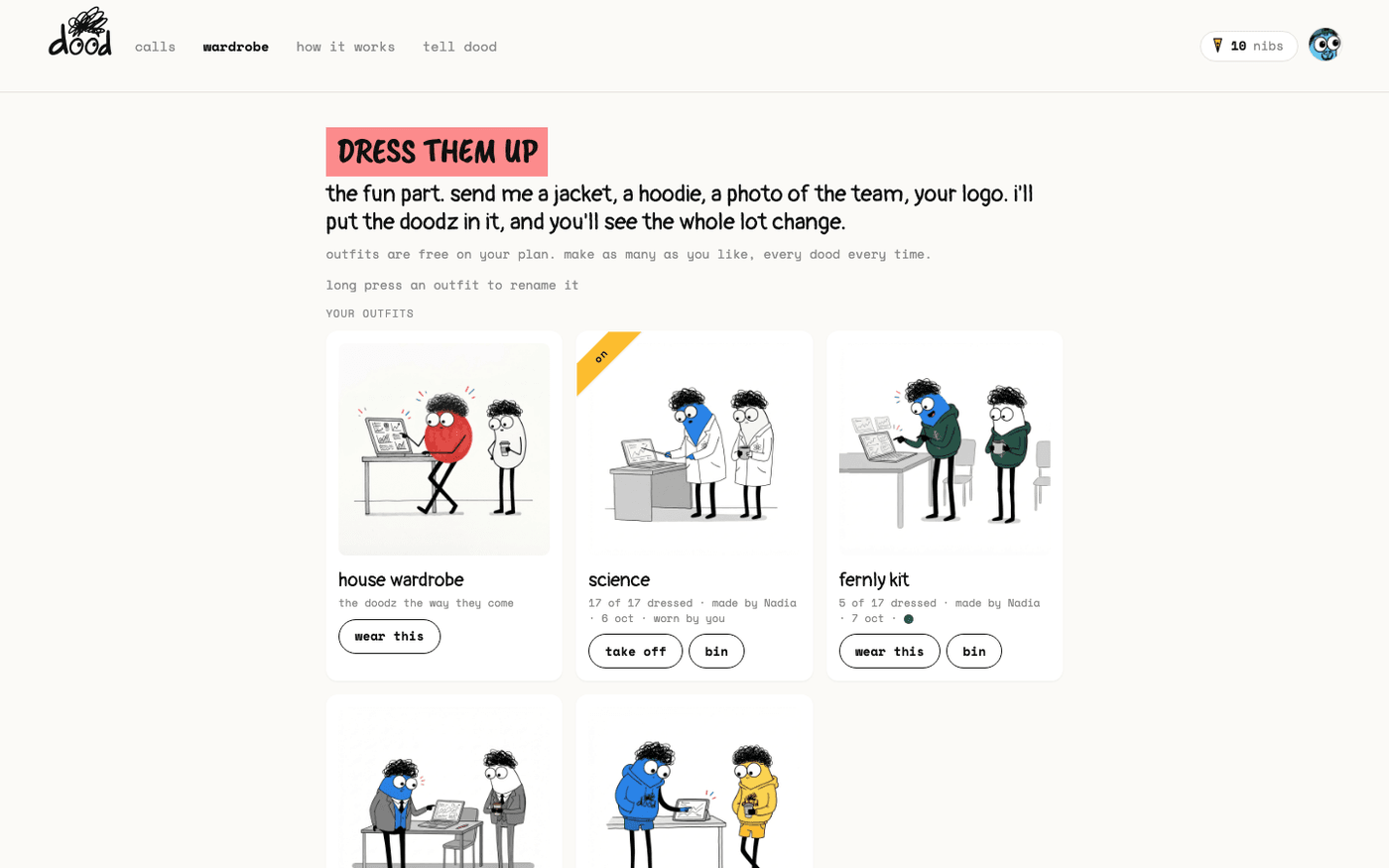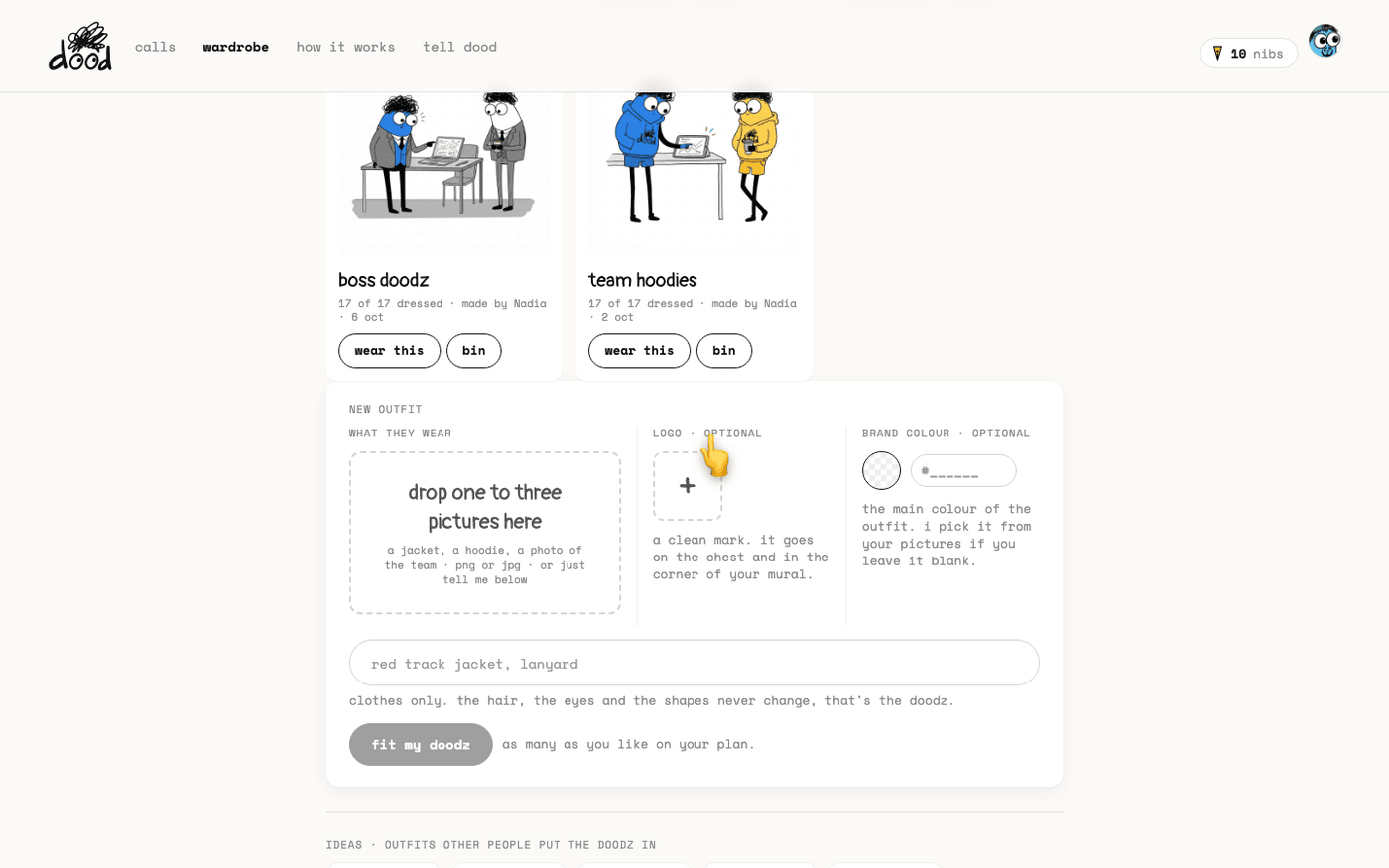
In short: "wardrobe" → new outfit → press "+" under "logo · optional" and pick a PNG → type your hex in "brand colour" → "fit my doodz".
A company outfit is an outfit with your mark on it. The doodles then look like they came from your team, and the recap mural carries your logo in the corner. It costs nothing extra. It is one more field on the new outfit panel.
Add the logo
In the new outfit panel, under "logo · optional", press "+" and choose a PNG. Transparent is best, up to 5 MB.
- The note under it says where it goes: "a clean mark. it goes on the chest and in the corner of your mural."
- A busy logo with small text does not survive at doodle size, so pick the simplest version you have.
- To remove it before you fit, press the "×" on the thumbnail.
Set the colour
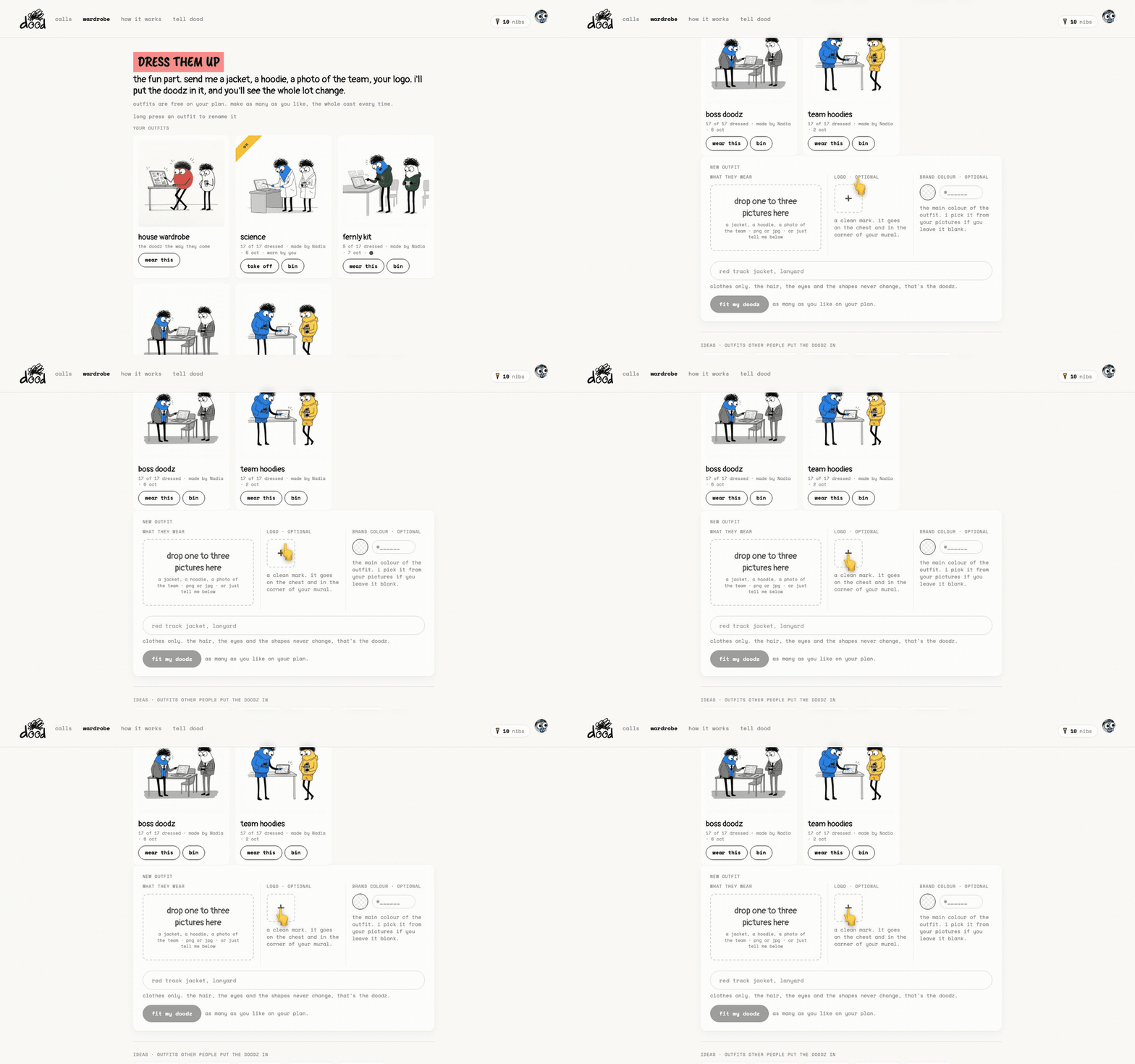
Under "brand colour · optional", click the swatch to pick a colour, or type it into the field.
- Six hex digits, with or without the #. Three-digit shorthand works too.
- If what you typed is not a colour, the field says "didn't catch that colour. six hex digits, like 010131."
- Leave it blank and dood picks the main colour from your pictures.
Fit and check
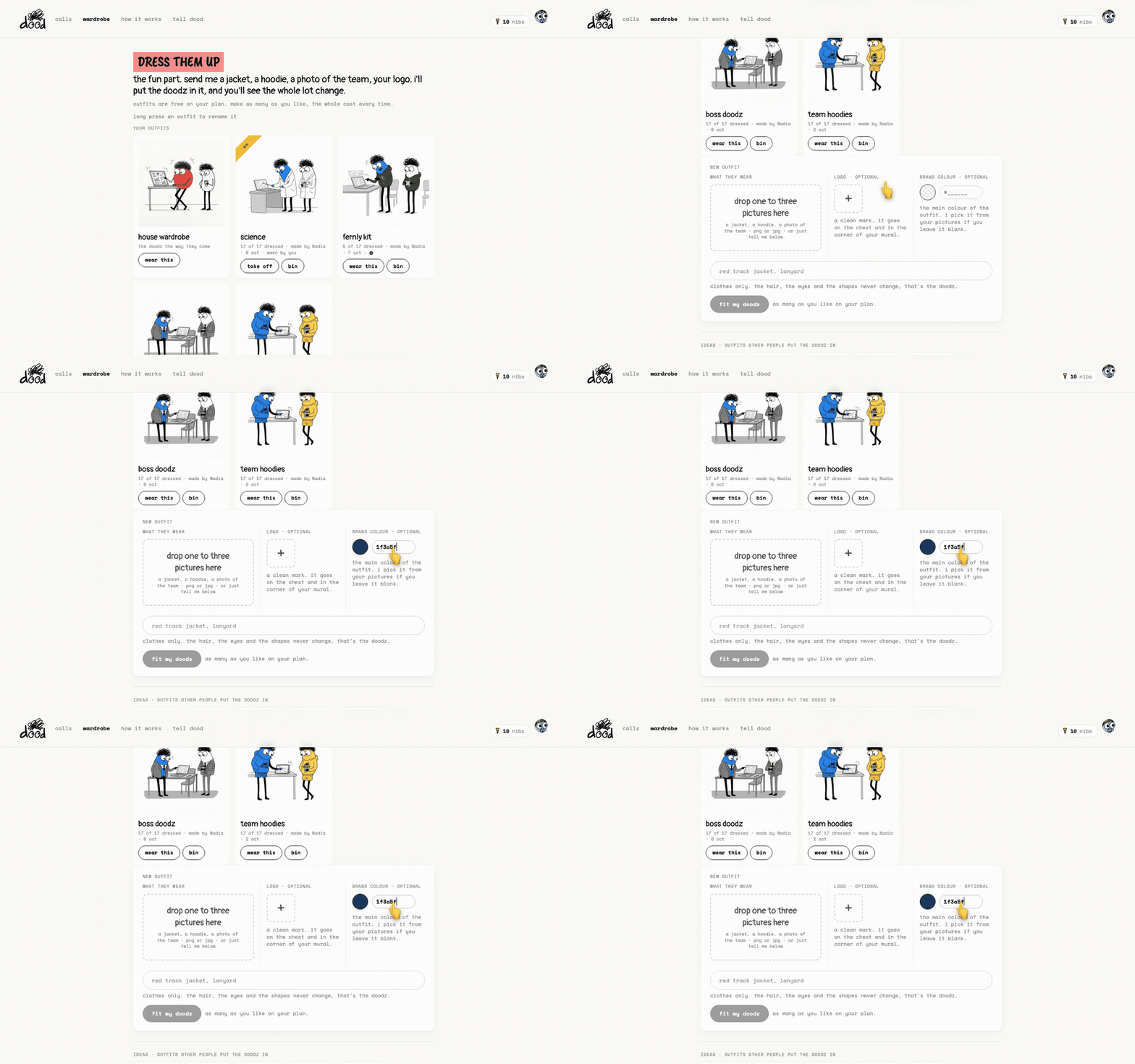
Add a picture of the clothing or a line like "navy hoodie, white logo", then press "fit my doodz".
- In the preview, look at the chest of each character and at the sample doodle.
- Press "try again" if the mark landed badly.
- Press "yep, dress them" when it is right.
A small colour dot on the finished card shows the brand colour it was made with.
Where it shows
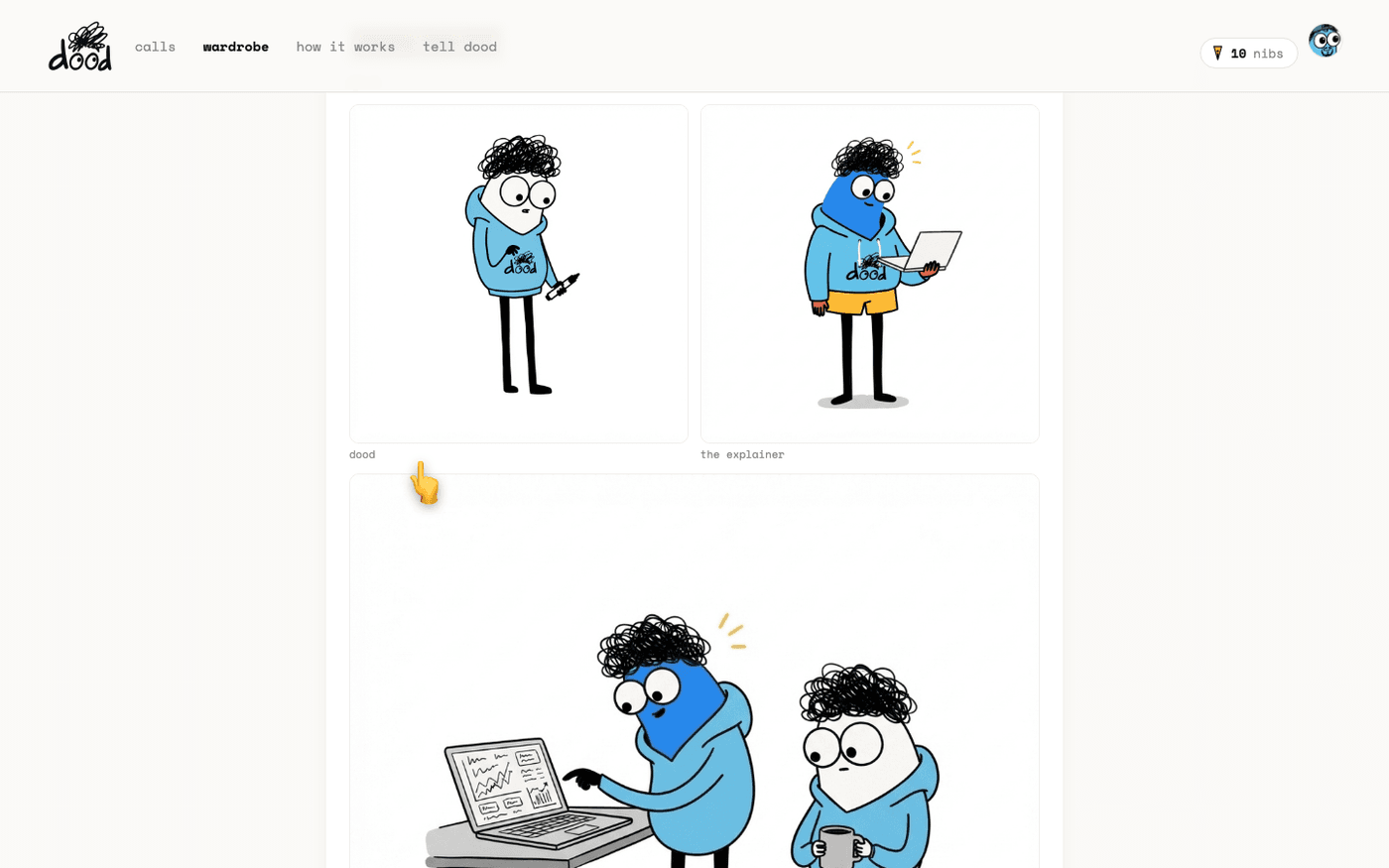
All the doodz wear it in every doodle, in every meeting, while the outfit is worn.
- The mural for each of those meetings carries the logo in its corner, so the PNG you download and the deck you export carry it too.
A school can do the same with a uniform. Keep it generic: a blazer and tie, no crest, unless it is your own.
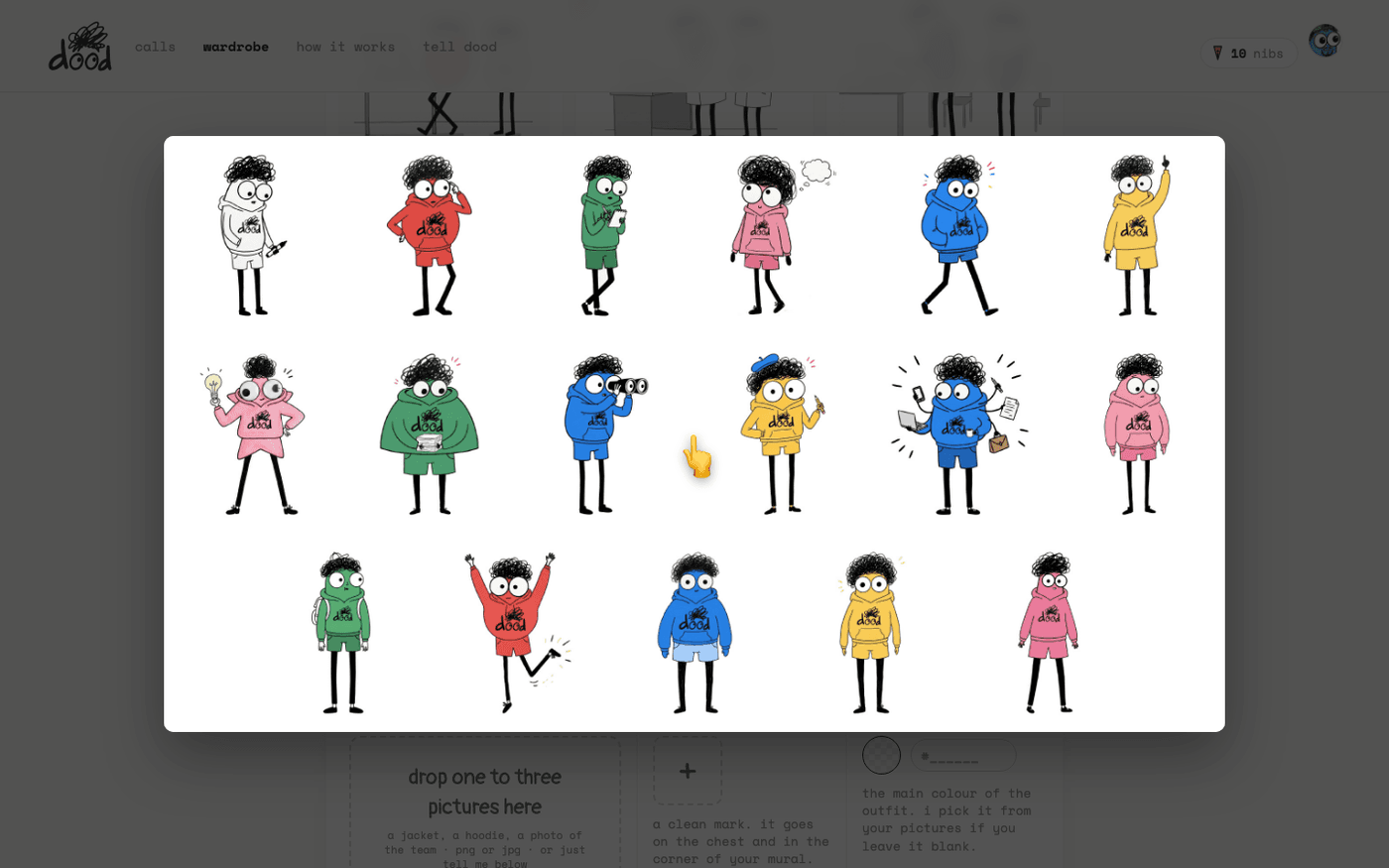
The logo is part of the pictures themselves, so an outfit made without it cannot have it added later. Make a new outfit with the logo and press "wear this".
Last verified 13 October 2026