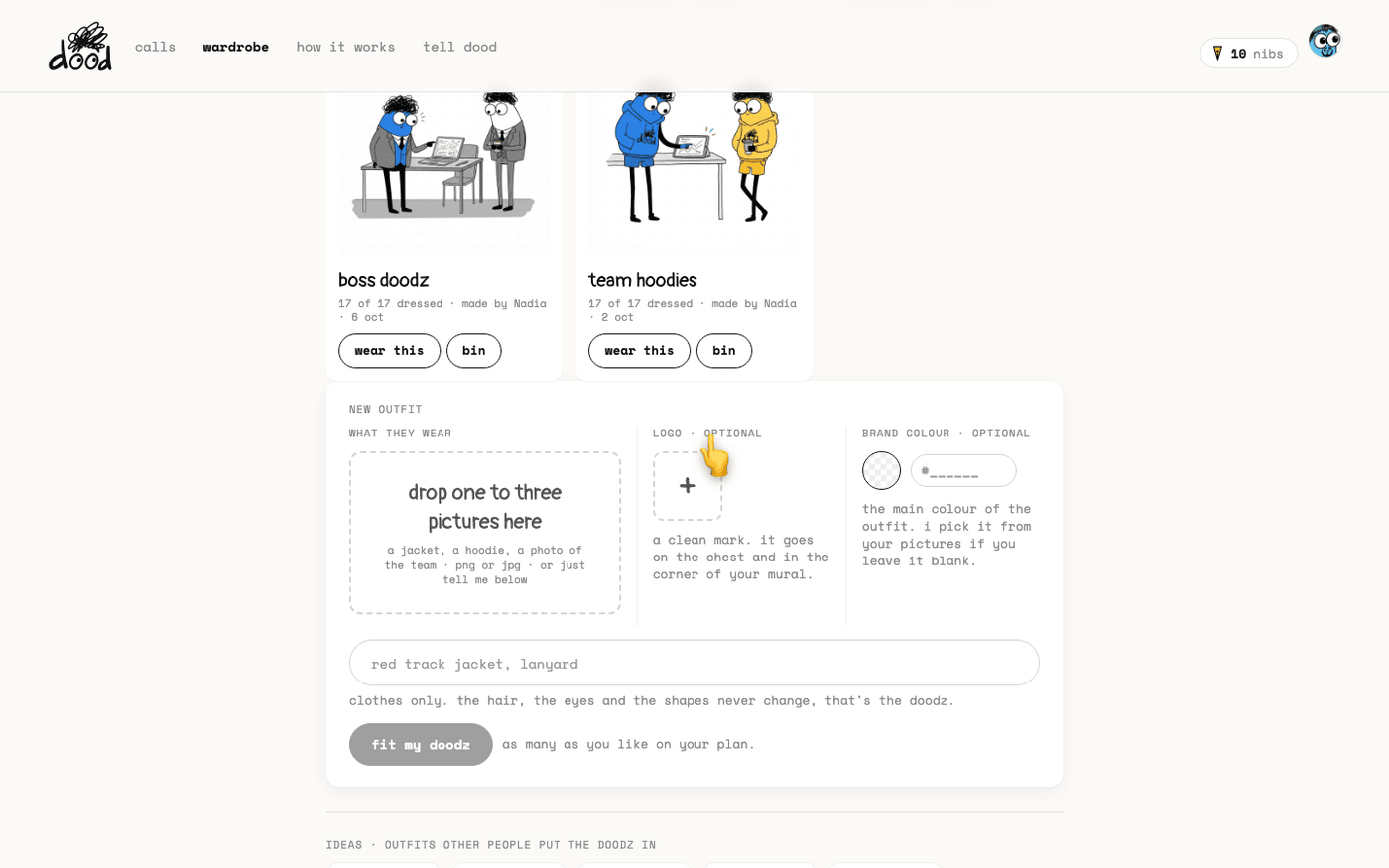
In short: Open "wardrobe". Drop a picture or type what they wear, press "fit my doodz", check the fit, press "yep, dress them". On the card, press "wear this".
The people in the doodles are the doodz: dood and sixteen others, each a flat-colour shape with scribble hair and googly eyes. An outfit dresses all seventeen at once, and it shows in every doodle and mural from then on.
An outfit changes clothes only. The hair, the eyes and the shapes never change, whatever you upload or type.
Open the wardrobe
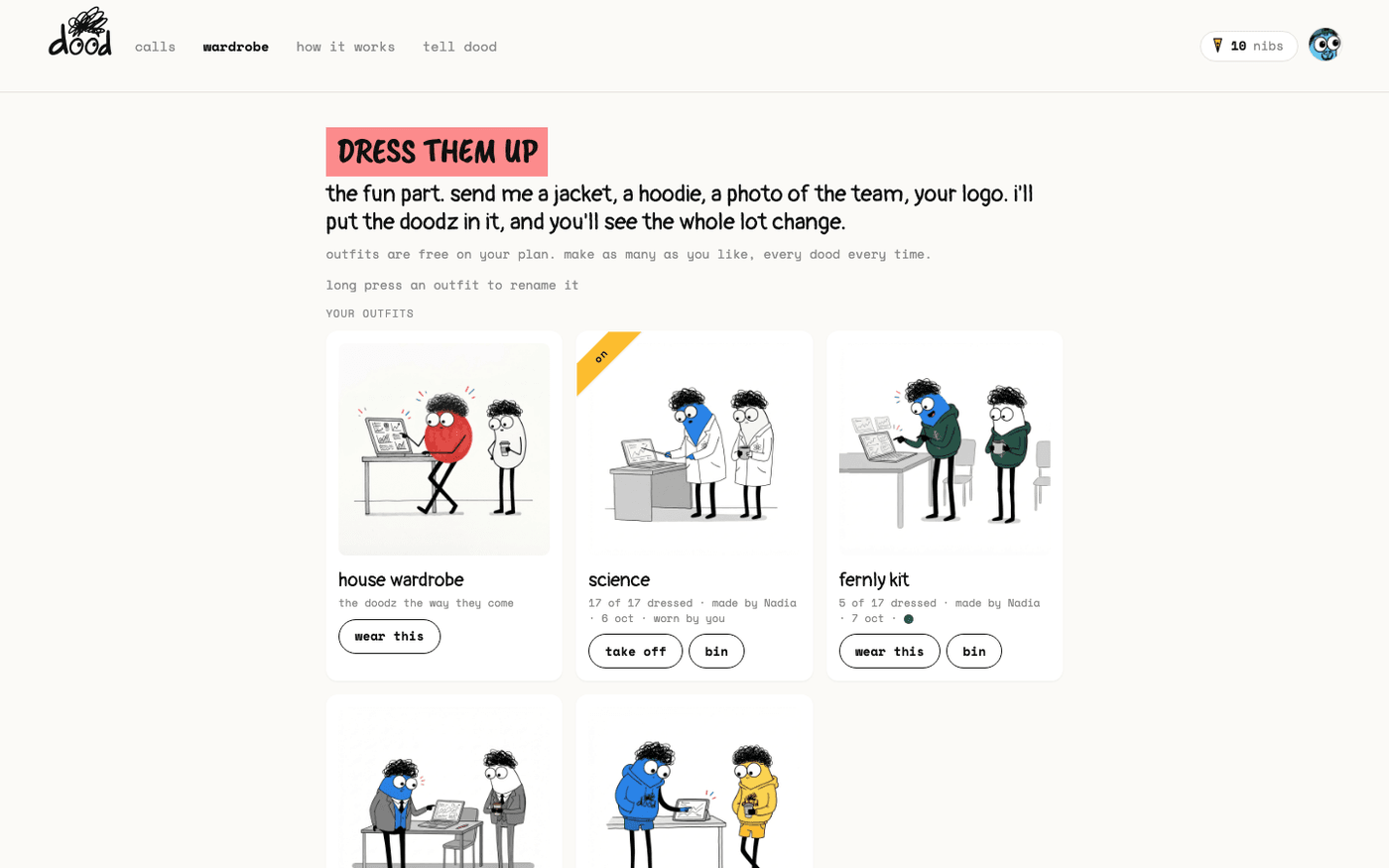
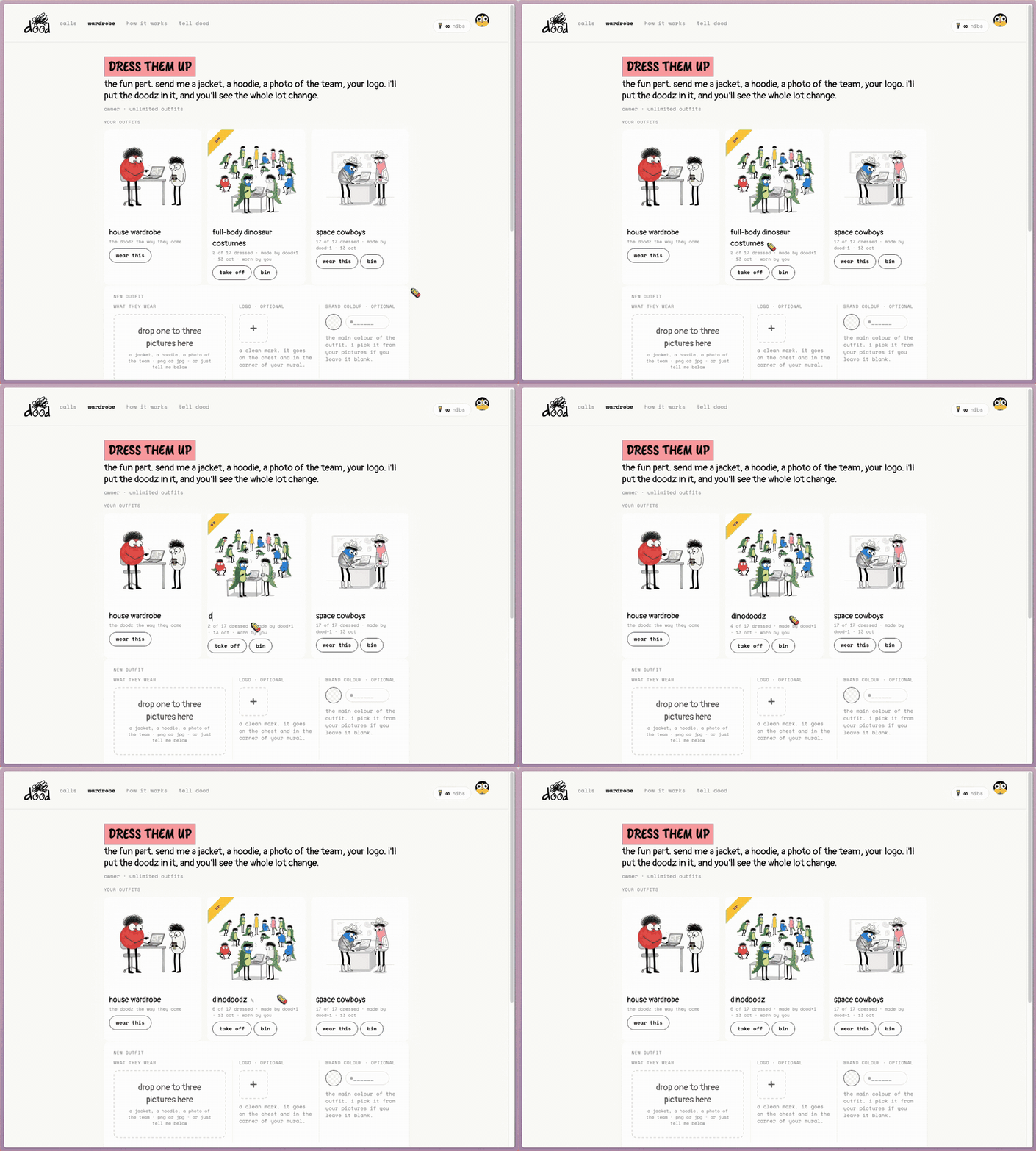
Press "wardrobe" in the top bar. The page is headed "dress them up".
- Under "your outfits" the first card is the house wardrobe, the doodz the way they come, with an "on" ribbon when that is what they wear.
- Each card shows a sample doodle, the name, how many of the seventeen are dressed, who made it and when.
- Click the picture on any card to see all the doodz in that outfit.
Wear one, or take it off
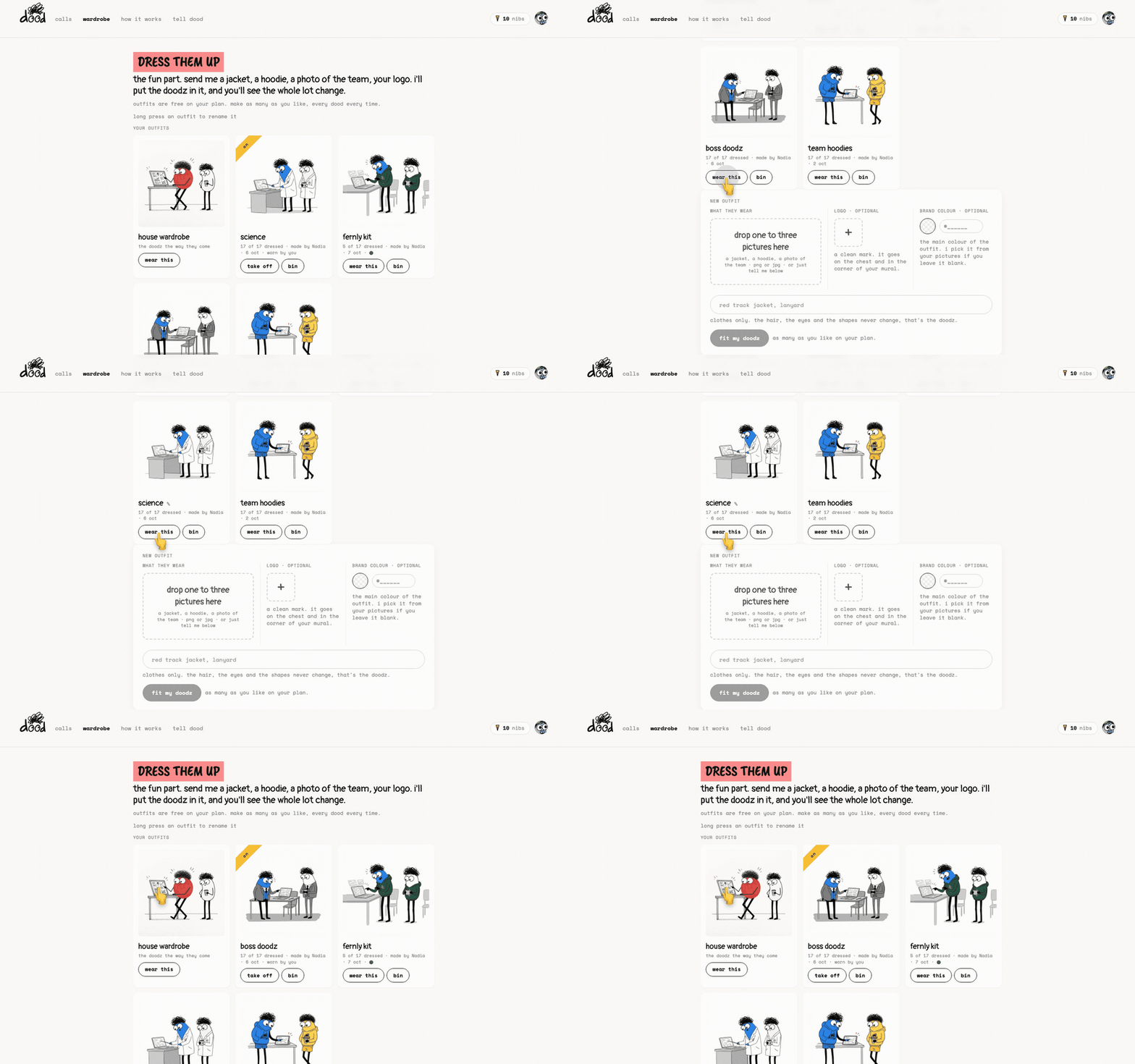
Press "wear this" on a card and the doodz wear that outfit in every meeting from now on.
- The card gets the "on" ribbon and sorts to the front.
- Press "take off" to go back to the house wardrobe, or press "wear this" on the house card.
Rename or bin an outfit
A new outfit is named after the line you typed, which is rarely what you want to read on a card.
- To rename it, long press its name, double-click it, or press the pencil that appears when you hover. Names are lowercase, up to 24 characters.
- To delete one, press "bin". The card asks "sure? every dood loses this outfit." Press "yes, delete" to confirm.
There is no undo.
Make a new outfit
Scroll to "new outfit".
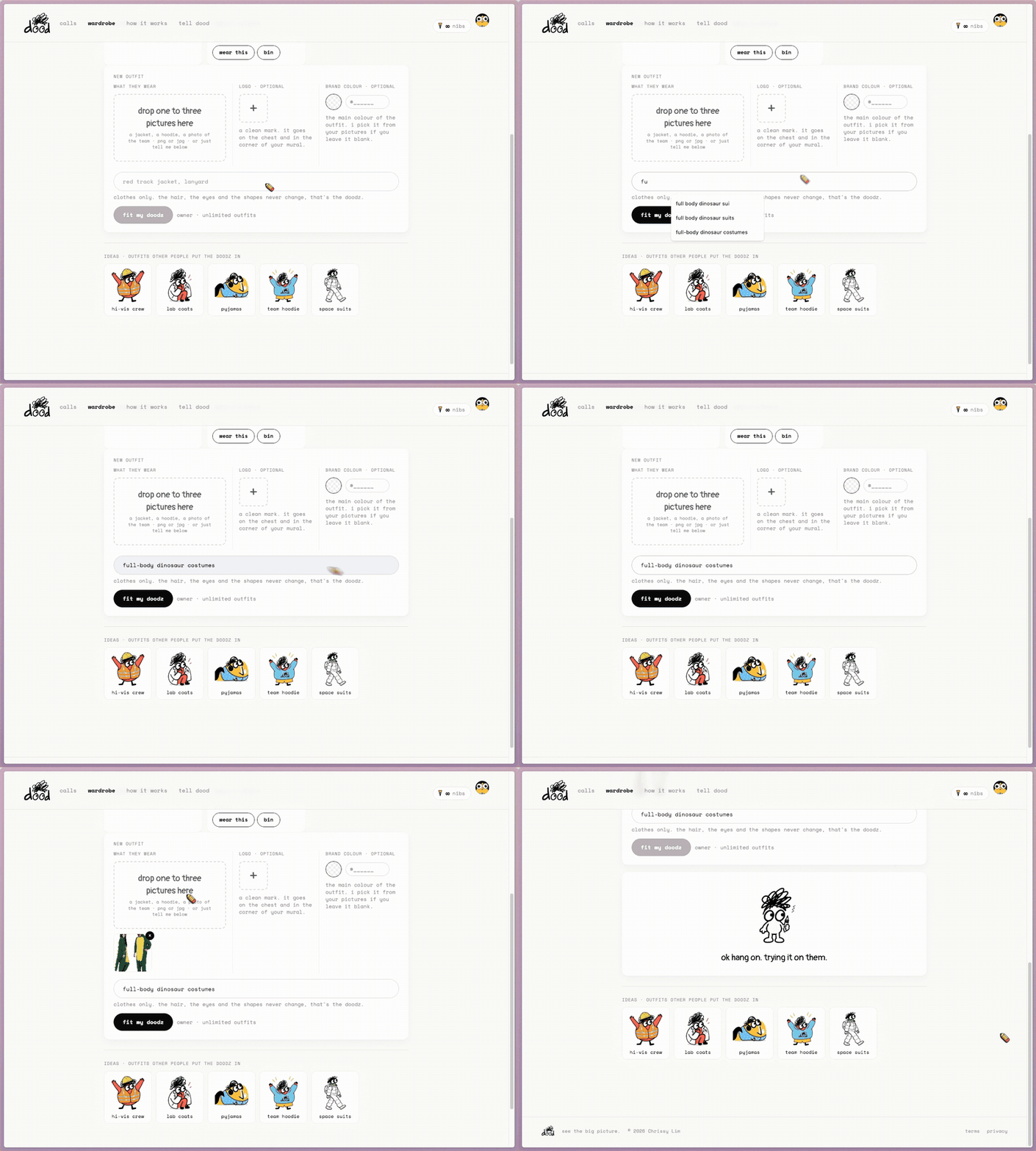
- Type what they wear, for example "full-body dinosaur costumes". dood suggests endings as you type.
- Add a picture if you have one: drop one to three into "what they wear", a jacket, a hoodie, a photo of the team. PNG or JPG, up to 5 MB each. A picture is the best way to get a specific look.
- A logo and a brand colour are optional, and are covered in Your logo and colours on the doodz.
- Press "fit my doodz".
While he works the lines read "ok hang on. trying it on them." and "sleeves are tricky." It takes under a minute.
Check the fit
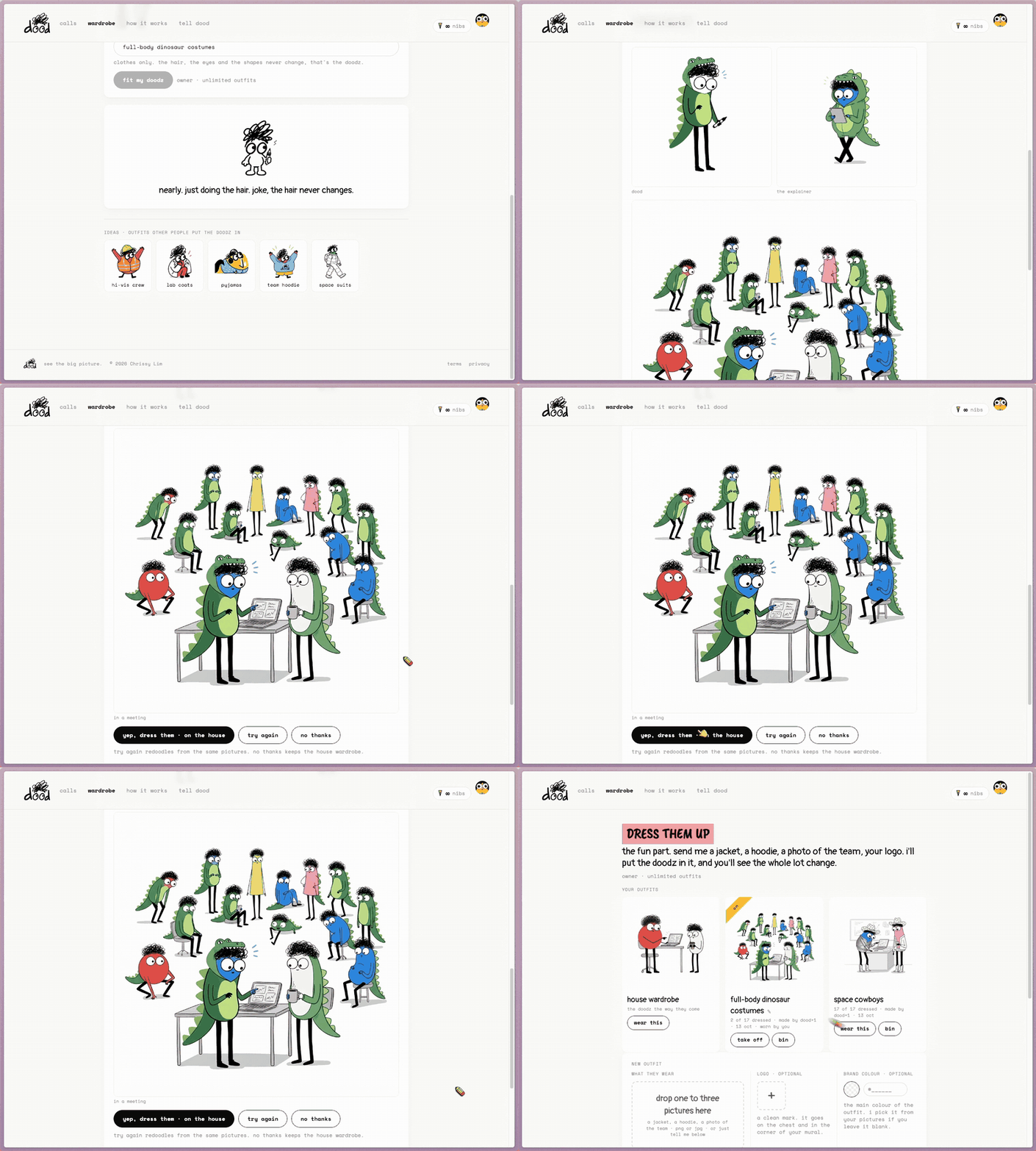
A "check the fit" preview appears: dood and one of the doodz in the outfit, plus a sample doodle "in a meeting" so you see it at the size it will be used.
- "yep, dress them" keeps it. dood then dresses the other fifteen, and the card counts up "5 of 17 dressed" until it is done.
- "try again" redoodles from the same pictures.
- "no thanks" drops it and keeps what they wear now.
Previews are limited to ten a day. A preview that fails on dood's side does not use one up.
Borrow an idea
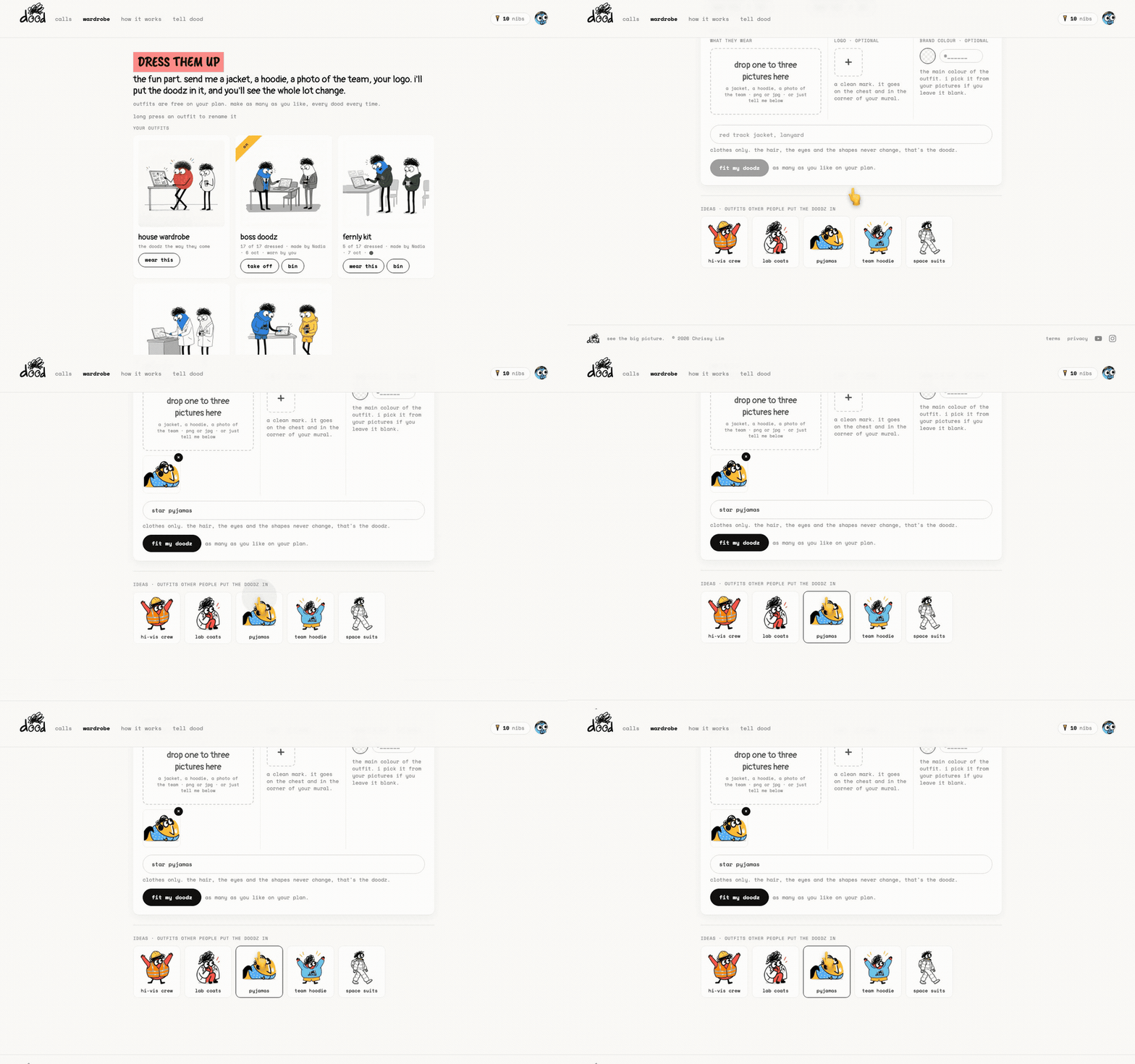
Under "ideas · outfits other people put the doodz in", press one, for example "space suits". Its picture goes into the drop zone and its line fills the field. Press "fit my doodz" and it is yours.
How many you get
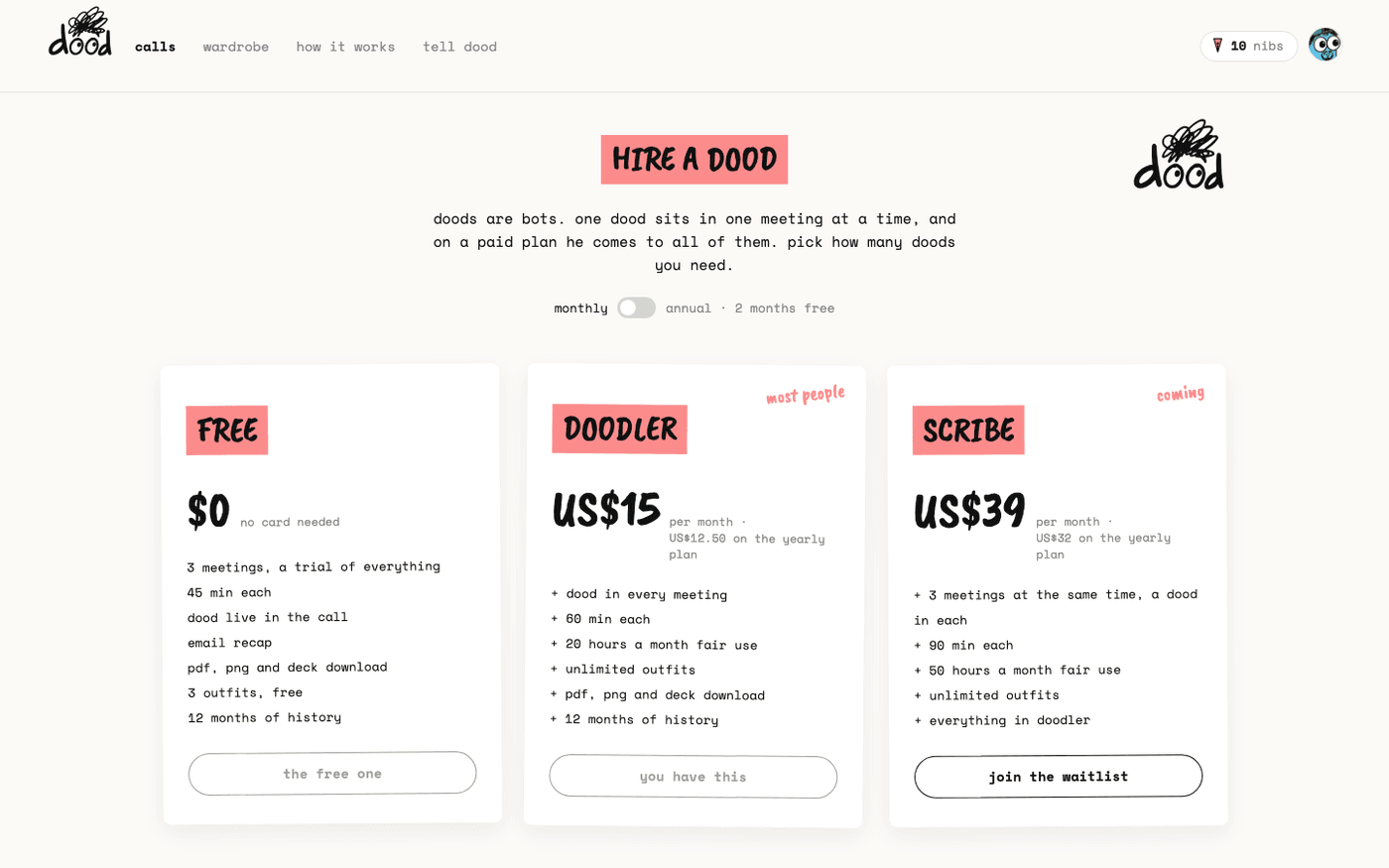
Outfits are counted by plan.
- Free: three for the life of the account. The page counts down, "two of your three left", then "your last one", then "that's your three".
- Doodler and Scribe: as many as you like.
Every outfit dresses all seventeen doodz. On a team, every outfit anyone makes goes into the shared wardrobe with "made by" on the card, and each person picks what their own dood wears.
The doodz' hair, eyes, faces and body shapes are the trademark and never change. An instruction to change them is ignored. If you want doodz of your own from the shapes up, write to dood@meetdood.ai.
Last verified 14 October 2026