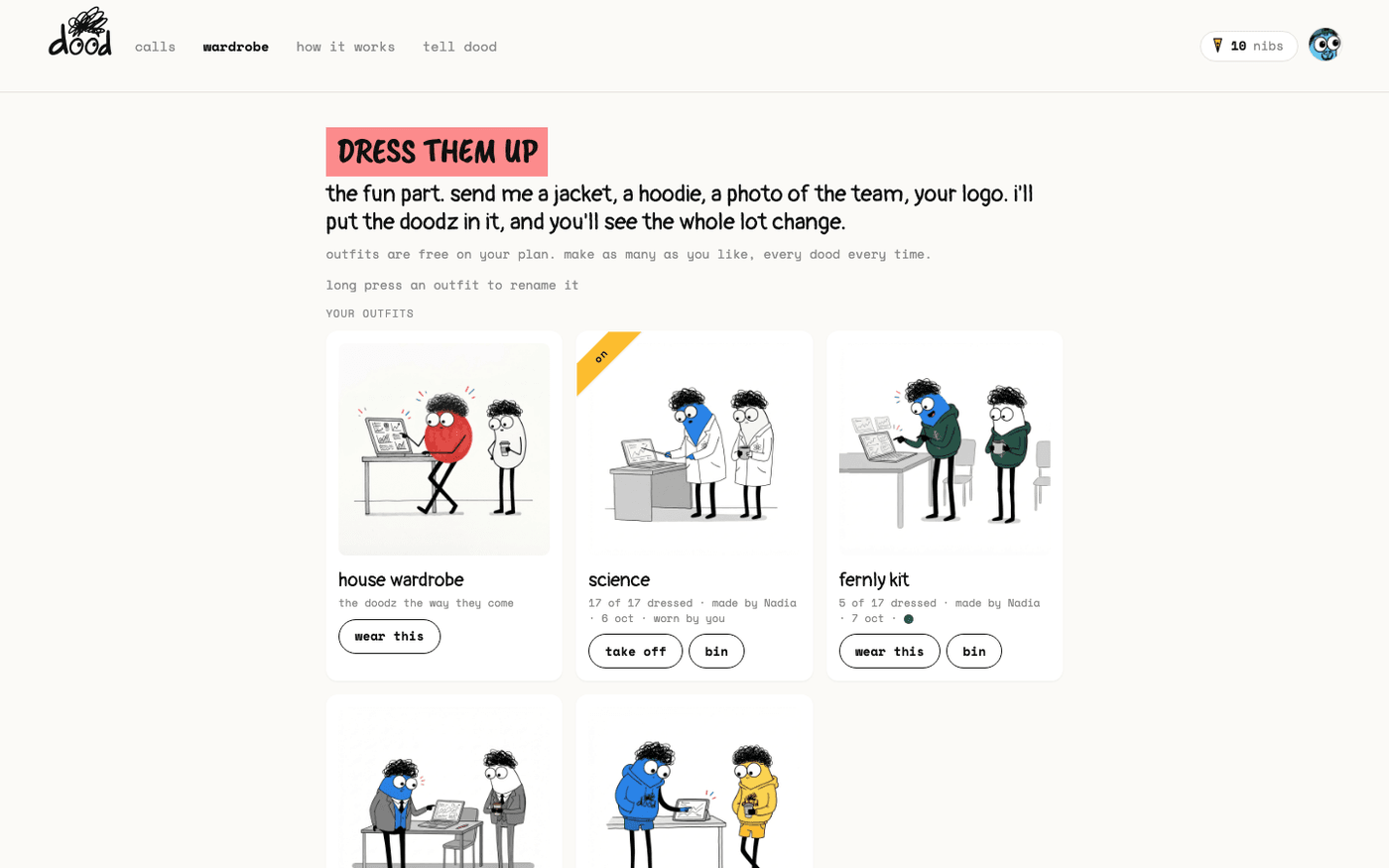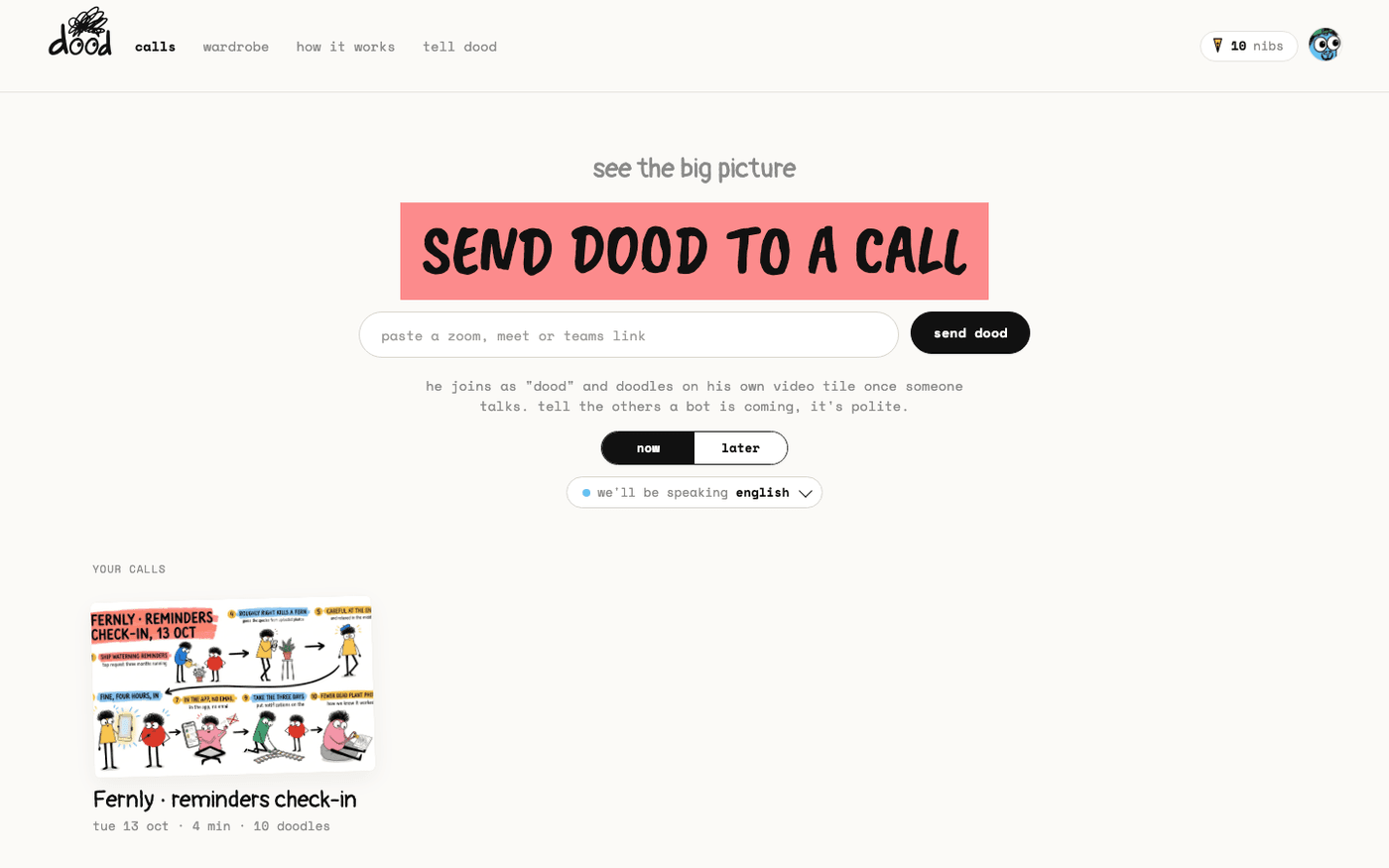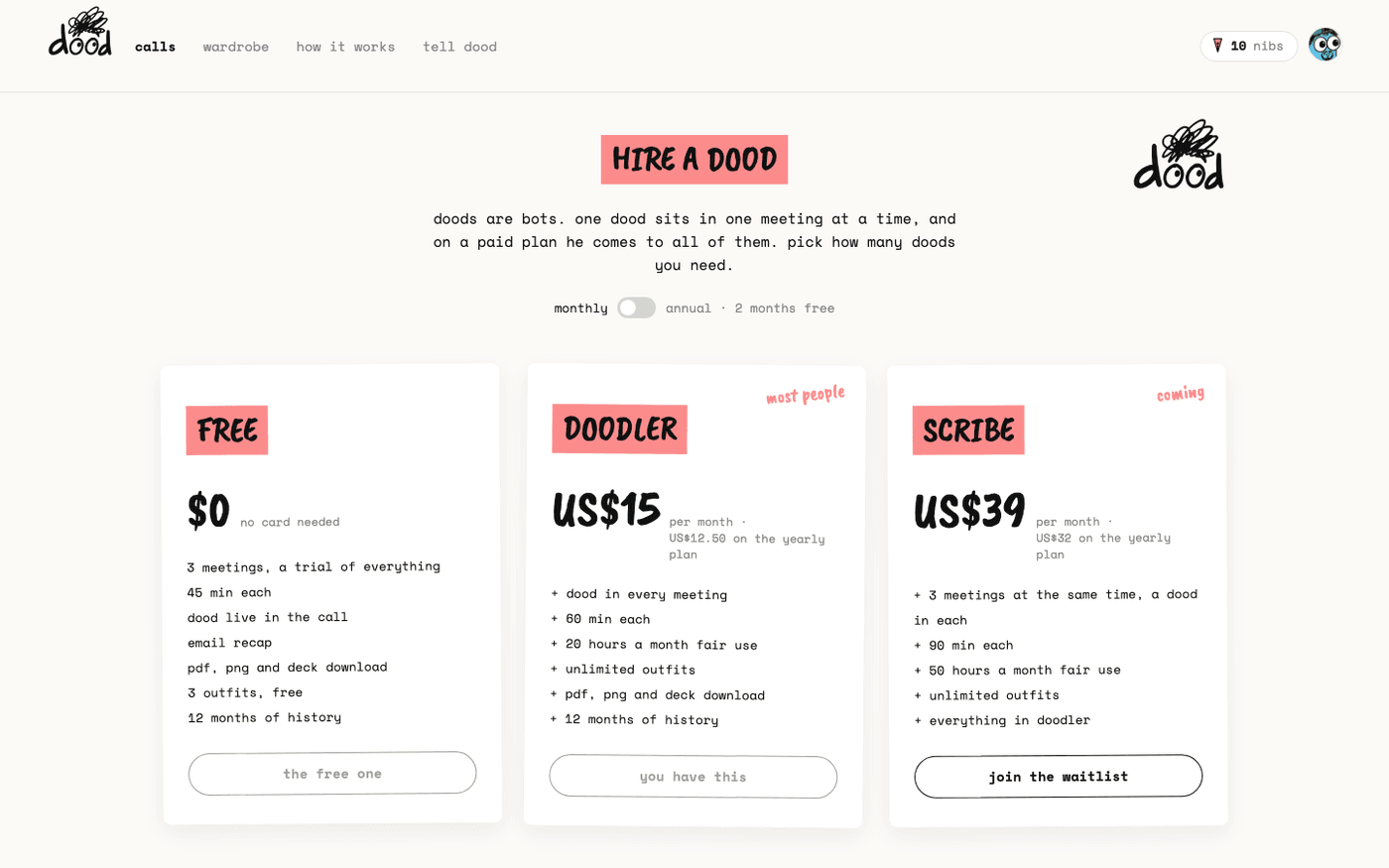
In short: "pricing" → "hire a dood" → monthly or yearly → "continue to checkout". On "my plan": "top up · US$10", "add a seat", "switch to yearly", "cancel".
Free is a trial of the whole thing, not a cut-down version: three meetings in total, 45 minutes each, with outfits, downloads and the recap. Doodler removes the meeting count. Scribe is on the waitlist.
Every price is in US dollars and the product writes it that way, US$15 rather than $15.
The three plans
Open app.meetdood.ai/pricing. The switch at the top flips between monthly and annual, which is two months free.
- Free, US$0: 3 meetings in total, 45 minutes each, one dood, 3 outfits, PNG, PDF and deck download, 12 months of history.
- Doodler, US$15 a month or US$150 a year: dood in every meeting, 60 minutes each, 20 hours a month fair use, unlimited outfits, extra seats for your team.
- Scribe, US$39 a month or US$380 a year: three meetings at the same time with a dood in each, 90 minutes each, 50 hours a month. It is a waitlist: press "join the waitlist" and you are on it.
Hire a dood
On the Doodler card press "hire a dood".
- A sheet asks "yearly", US$12.50 a month and US$150 today, or "monthly", US$15 a month.
- Your email is filled in for the receipt. Press "continue to checkout · US$150" or "· US$15", whichever you picked.
- Stripe takes the payment. When it is done you land on "your doodler plan is ready" with a "send dood to a call" button.
You can cancel any time from the plan page, and the plan stays active until the end of the billing period.
Read your plan page
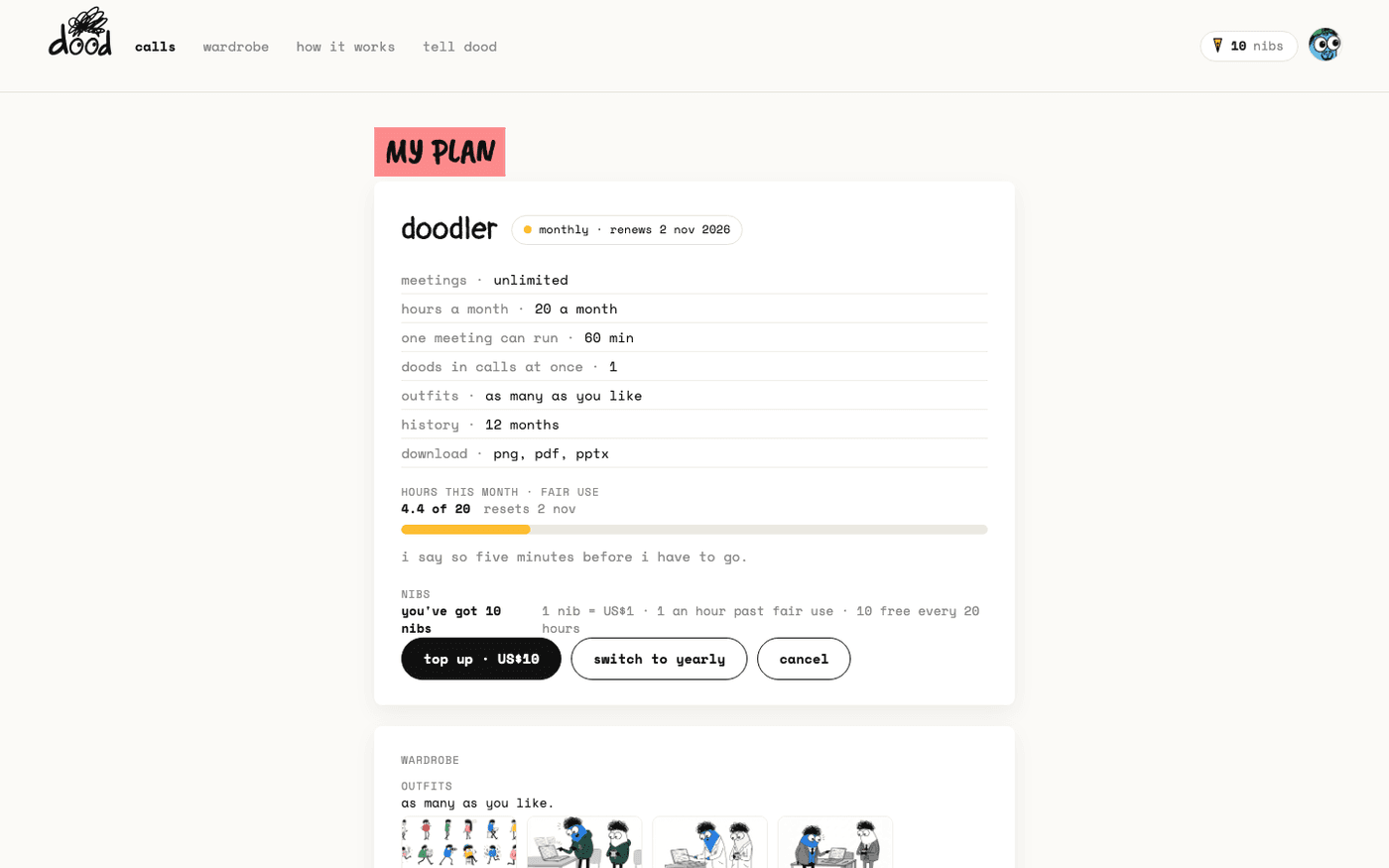
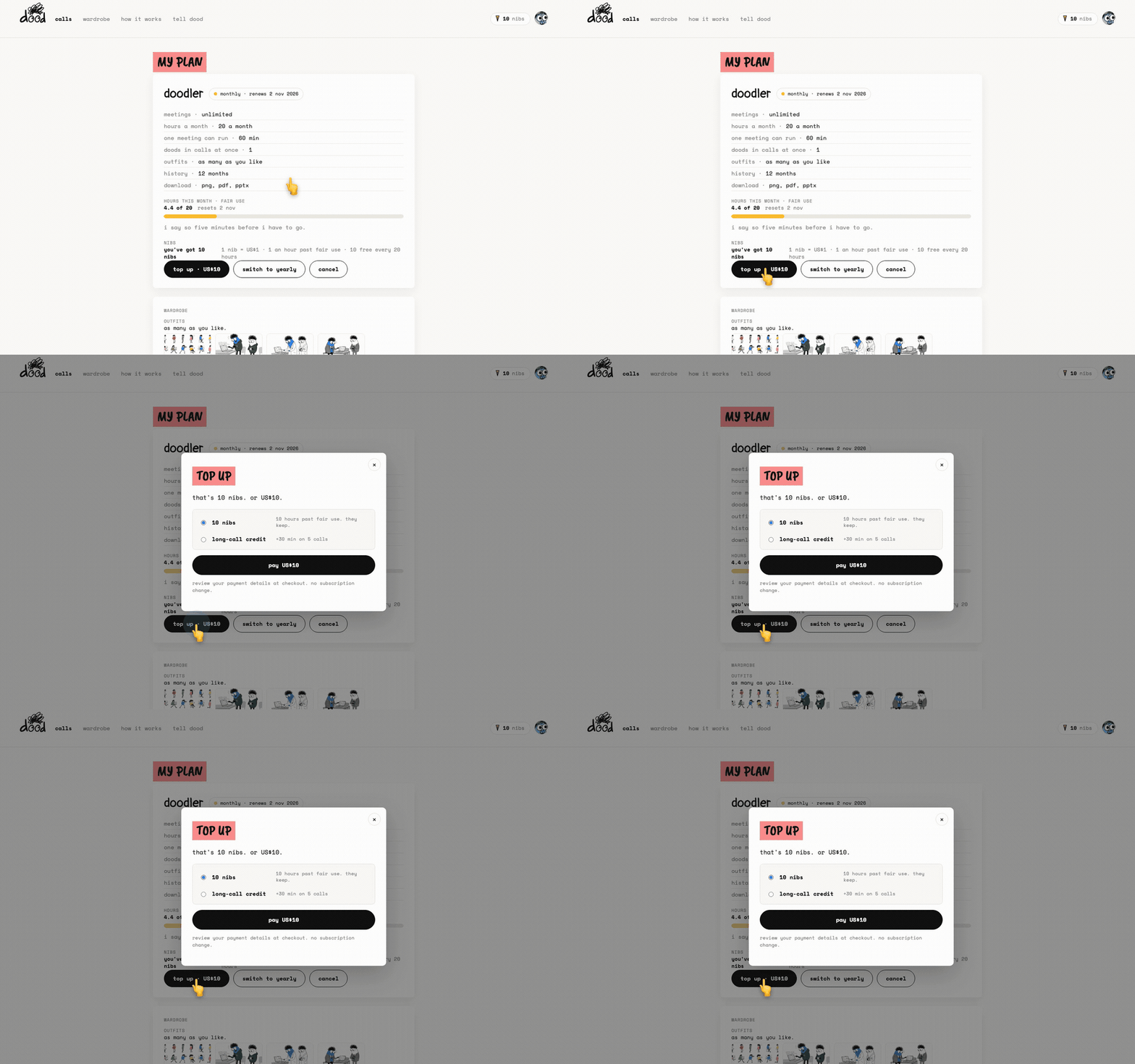
Open your avatar at the top right and press "my plan". The first card names the plan and when it renews, then the facts: meetings, hours a month, how long one meeting can run, doods in calls at once, outfits, history, downloads.
- "hours this month · fair use" is a meter, for example "4.4 of 20", with the date it resets. Past the line dood still comes to every meeting, and the page says "a top-up keeps the books honest."
- Nibs sit under it. One nib is US$1, an hour past fair use costs one nib, and you get 10 free for every 20 hours of meetings.
Top up
Press "top up · US$10" and choose one:
- "10 nibs": 10 hours past fair use. They keep.
- "long-call credit": 30 minutes more on each of your next five calls.
Press "pay US$10". Nothing changes about your subscription. Receipts for every payment are listed at the bottom of the plan page.
Add a seat for a teammate
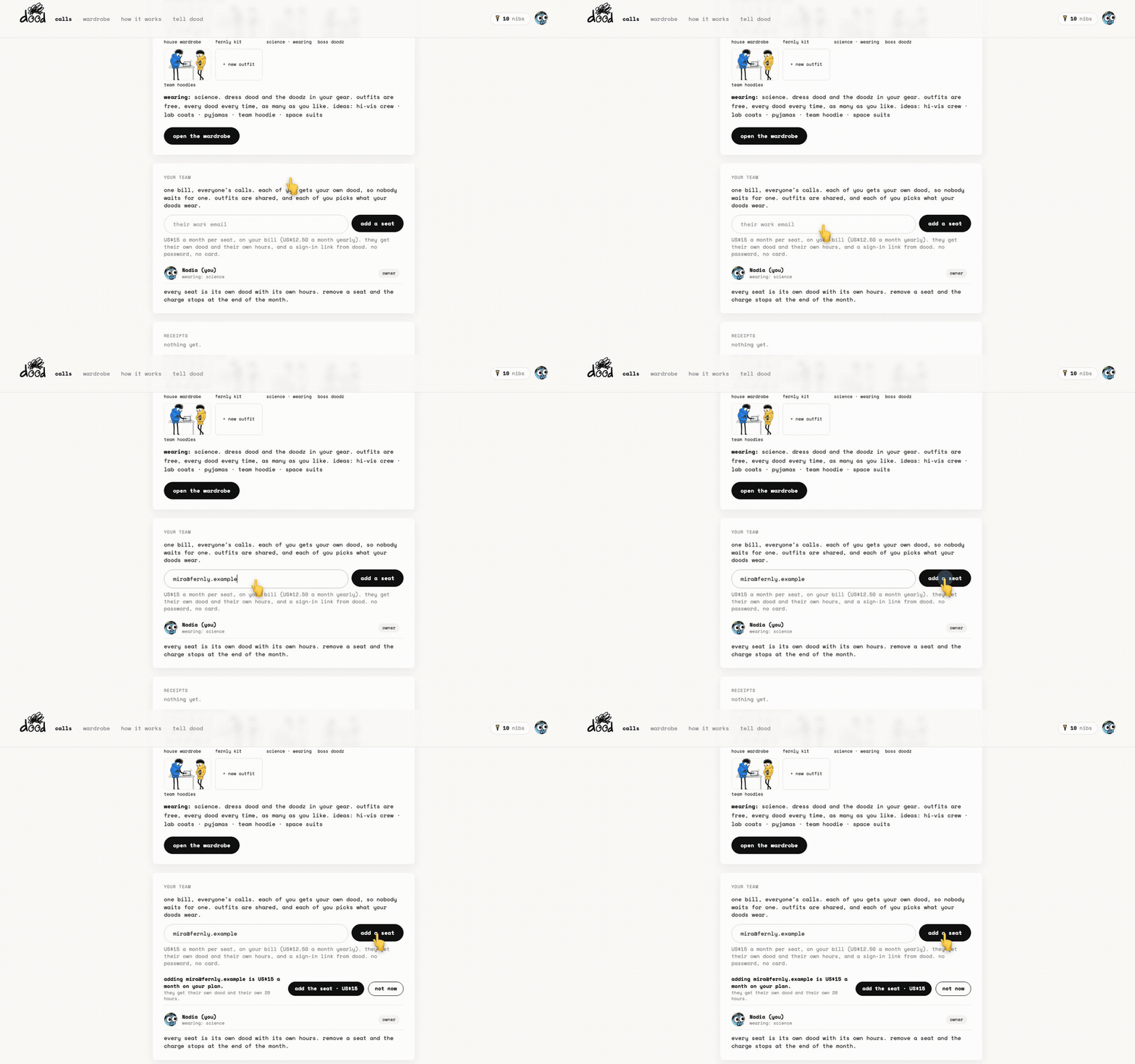
Under "your team", type their work email and press "add a seat". The page shows the price first, "adding mira is US$15 a month on your plan. she gets her own dood and her own 20 hours.", then you press "add the seat · US$15" or "not now".
- A seat is US$15 a month on a monthly plan, or US$12.50 a month on a yearly one.
- They get a sign-in link from dood. No password, no card.
- They land on their own plan page with their own dood, their own hours and the team's shared wardrobe.
- You see everyone's calls in your list, with the host's avatar on the card.
- The members list shows each person, their role and what they wear.
Press "remove" to take a seat away and the charge stops at the end of the month. Press "resend" or "cancel" on an invite nobody has accepted.
Switch or cancel
Press "switch to yearly" or "switch to monthly" to change the billing period. Press "cancel" to end the plan at the end of the current period. Both open your Stripe billing portal.
- After cancelling, the pill on the plan card reads "ends" with the date instead of "renews".
- Your meetings and murals stay for 12 months.
Nibs are not refundable. Outfits do not cost nibs; they are free on every plan. The terms have the rest.
Last verified 14 October 2026