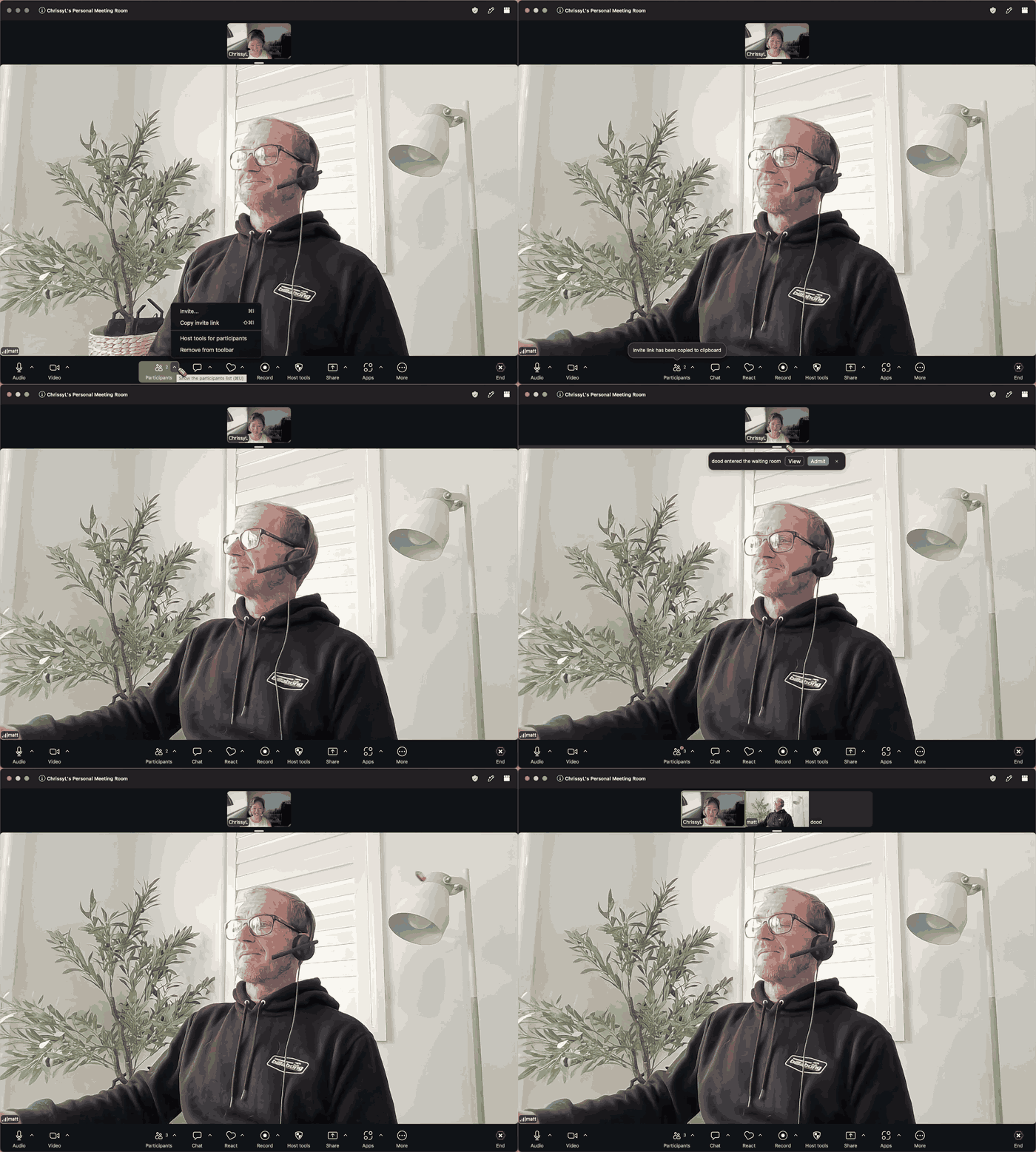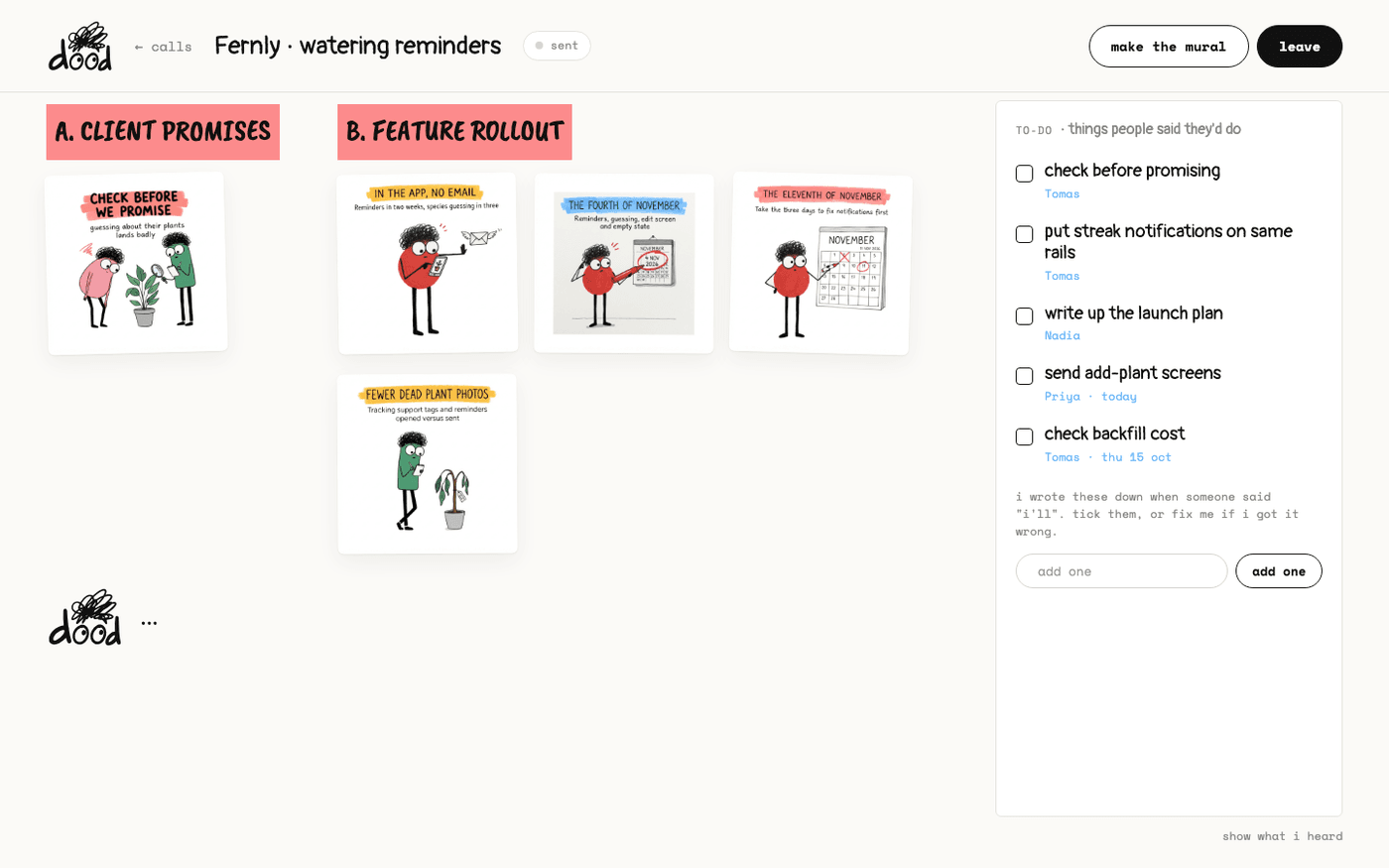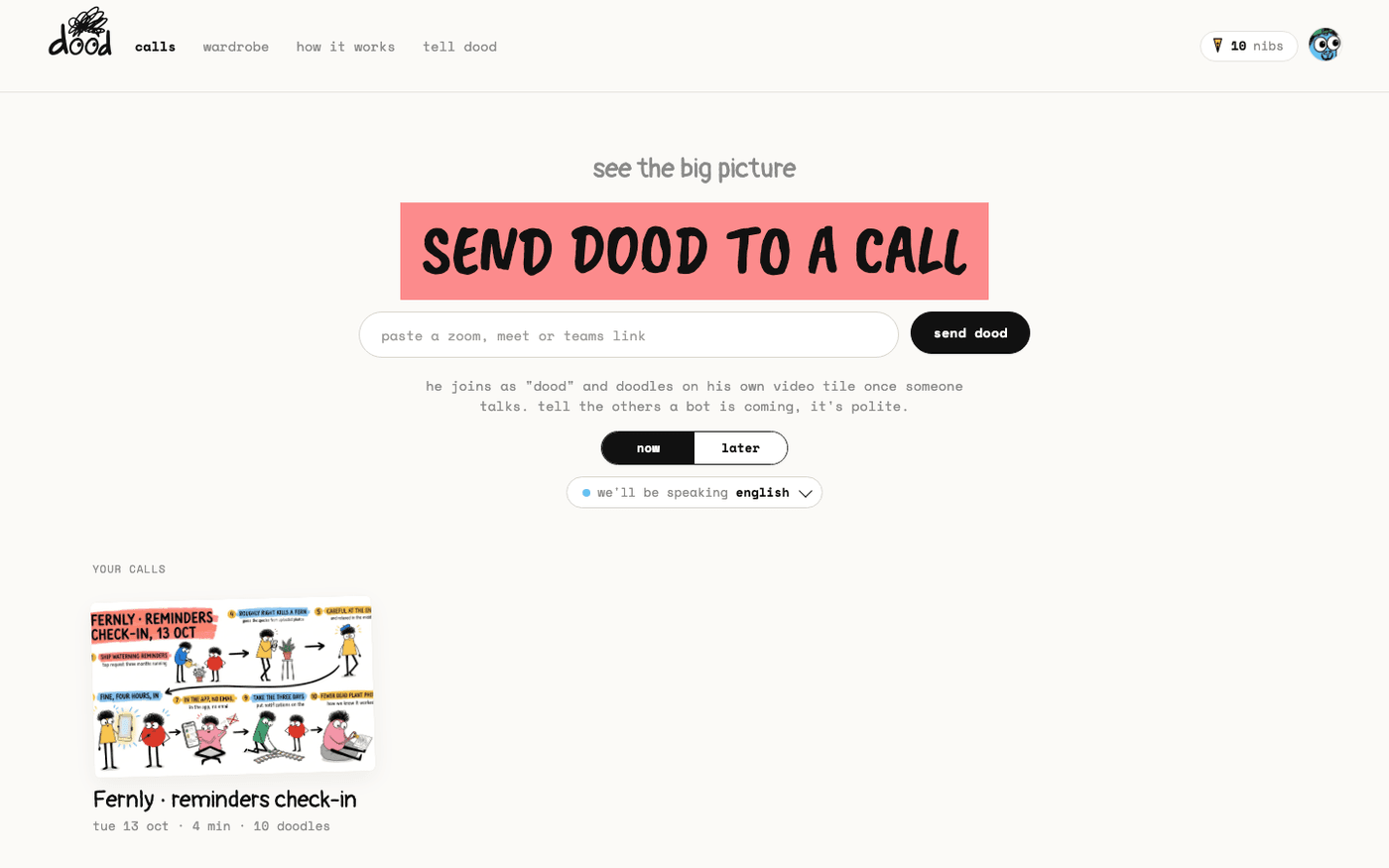
In short: app.meetdood.ai → paste the link → "send dood". For a meeting later, press "later", pick the date and time, then press "book dood".
dood is a meeting bot. He joins your call as a guest named "dood", listens, and doodles the main points on his own video tile while the call is still going. Nobody installs anything.
Your first three meetings are free and there is no card to add. This page takes about two minutes.
Sign in with a magic link
There is no password.
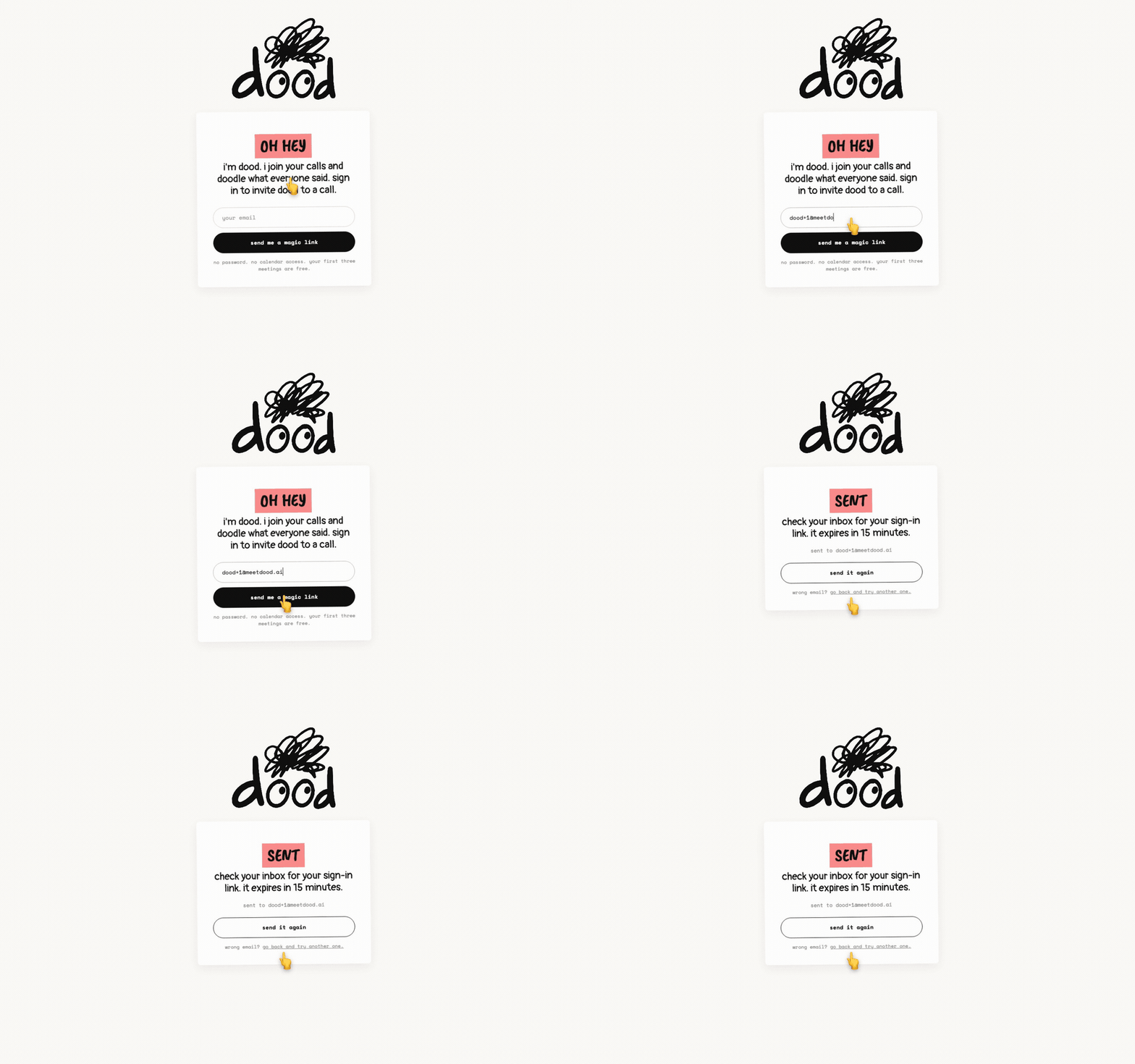
- Open app.meetdood.ai, type your email and press "send me a magic link".
- The page says "check your inbox for your sign-in link. it expires in 15 minutes."
- Open the email from dood and press the link. It works once.
If the link has gone stale, type your email again and press "send a new one".
Paste the meeting link
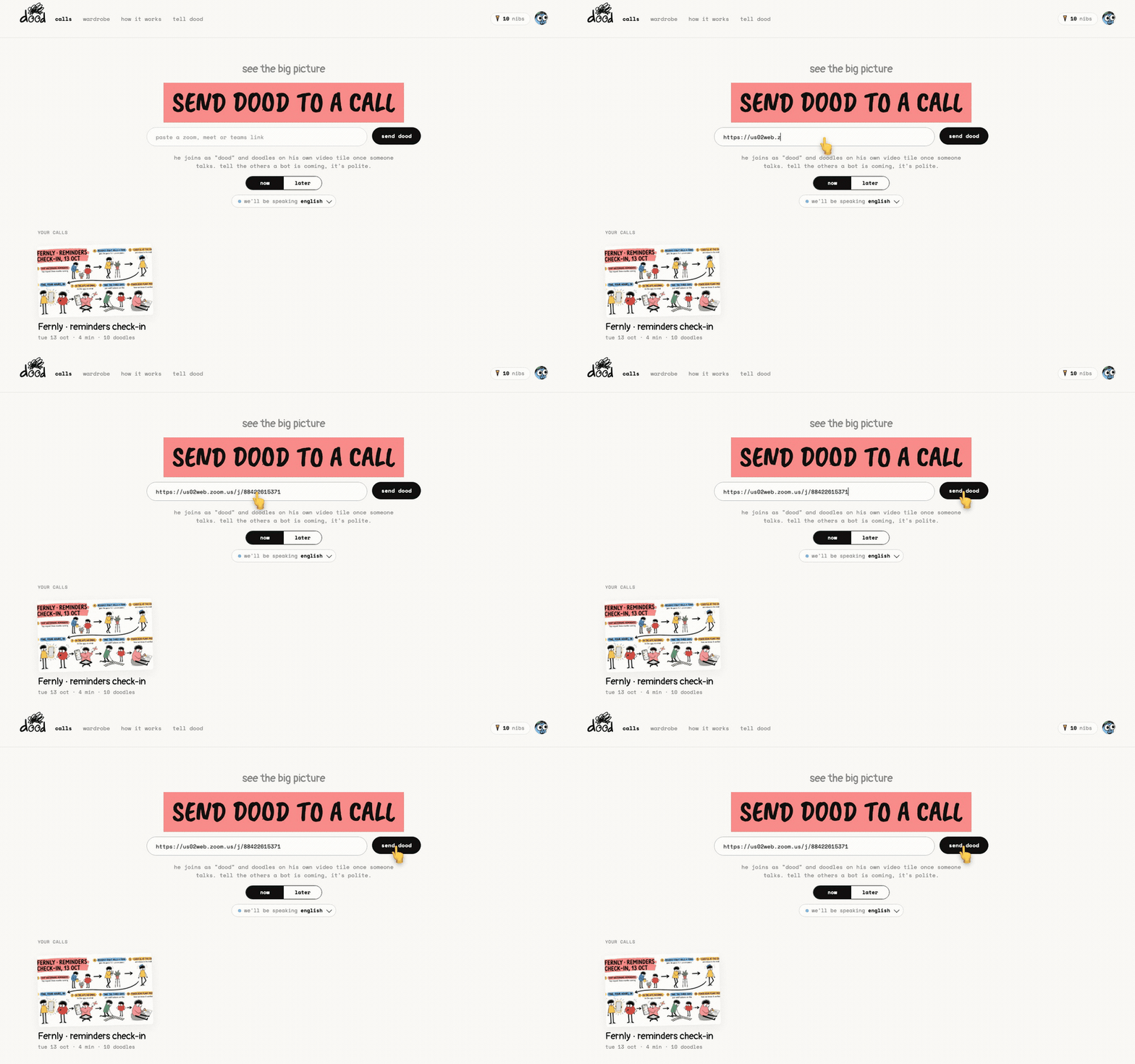
On the home page, paste your meeting link into the field that reads "paste a zoom, meet or teams link". Press "send dood".
- The button changes to "ok ok i'm coming" and you land on the call page.
- He shows up in the participant list as "dood", like anyone else.
Tell the people on the call that a bot is coming. It is polite.
Let him in
If your meeting has a waiting room or lobby, the host has to admit "dood".
- Until that happens, the call page says "i'm in the waiting room. ask the host to let me in."
- Once he is in it says "ok i'm in. carry on, i'm listening."
- The first doodle lands on the first substantial thing anyone says, usually inside the first minute.
Each platform has its own way to admit a guest. See Let dood into Zoom, Google Meet and Microsoft Teams.
Book him for later
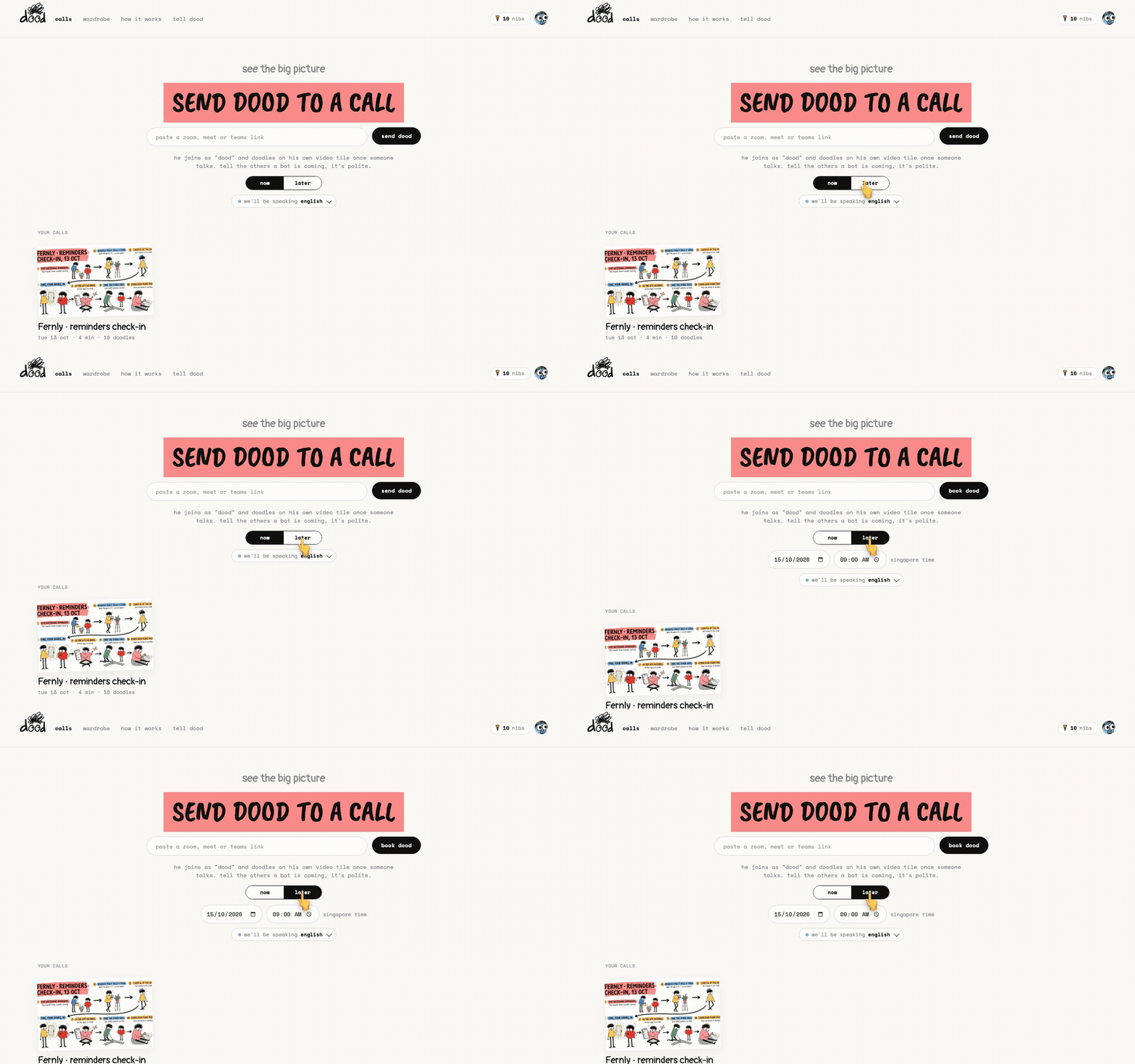
You do not have to be in the call to send him. Press "later" under the field: a date, a time and your own time zone appear, and the button now reads "book dood".
- Paste the link, set the date and time, press "book dood". The page says "booked. i'll turn up at 9.00."
- The booking appears under "dood's coming to" with a "cancel" button.
- Book from one minute ahead up to 60 days ahead, with up to 20 bookings open at once.
- At the booked time he joins on his own.
If a booking fails, the row reads "didn't work" with a note. Press "clear" to remove it.
One call at a time
One dood sits in one meeting at a time.
- If he is already in a call, the home page shows a "dood · busy" pill and the send button is dimmed. Wait, or book the next one for later.
- On the free plan you get three meetings in total, 45 minutes each. After the third the home page says "that's your three" and offers the Doodler plan. Your murals stay.
- The language pill reads "we'll be speaking english". English is the only language dood doodles in today.
Calendar auto-join is built and switched off while Google reviews it. For now you paste each link, now or booked ahead. When it is on, it appears on your plan page as "calendar · auto-join".
Last verified 14 October 2026