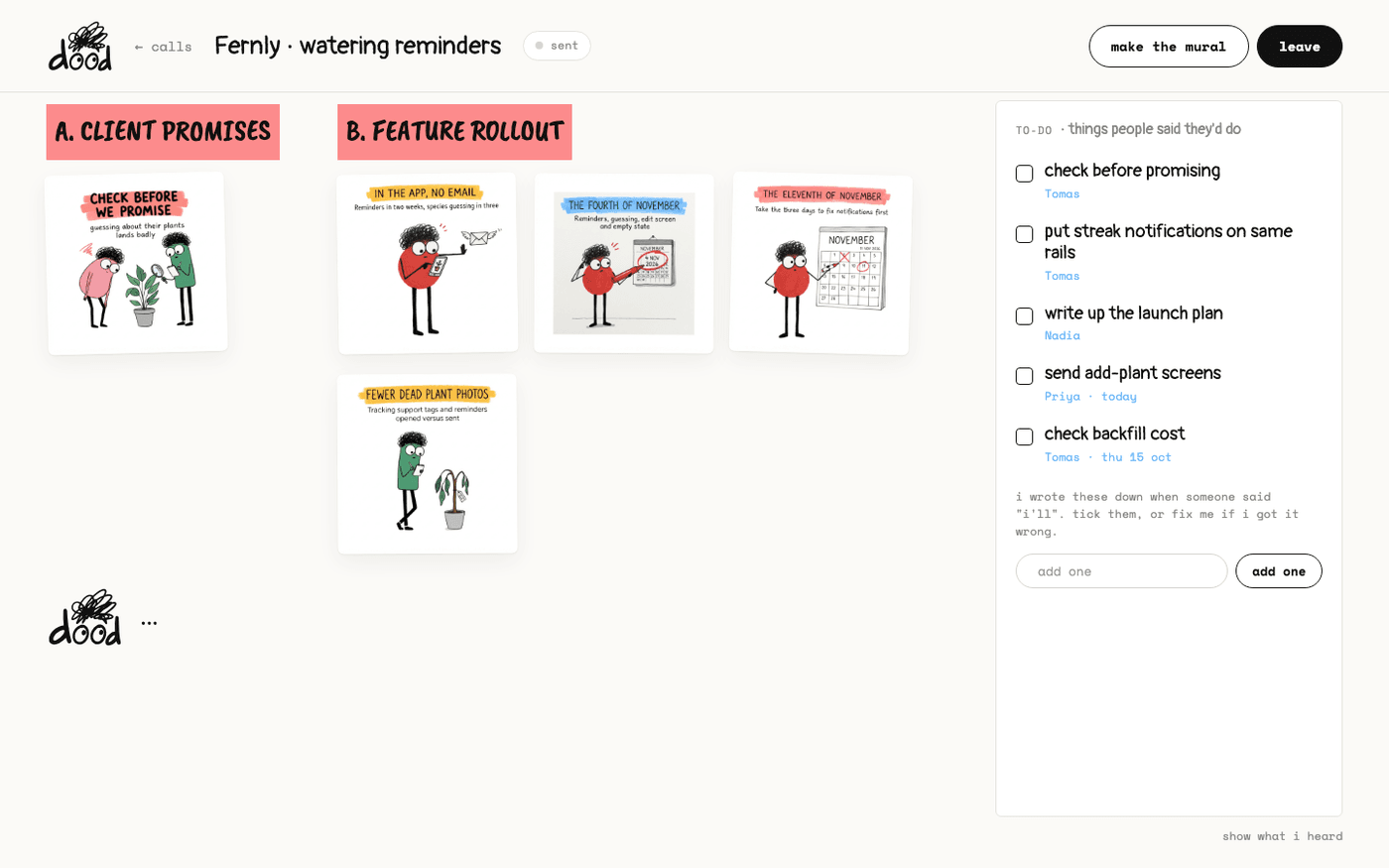
In short: Send dood, and you are on the call page. Doodles arrive on the left by topic. The to-do list is on the right. Press "show what i heard" for the words. Press "leave" to end.
While the call runs, the call page is your second screen. It shows what dood is doodling, what he thinks the topics are, and what people have promised to do. You can leave it open on a laptop while the call fills the other screen.
Read the status pill
The pill next to the call title tells you where dood is. It reads, in turn:
- "sent"
- "joining"
- "waiting to be let in"
- "listening"
- "doodling · 12:41", with the time he has been in the call
On a plan with a time limit the pill shows the limit too, for example "doodling · 12:41 / 60:00".
Doodles arrive by topic
Each doodle is a square picture with a hand-lettered headline and a short line under it. The page groups them under a topic band, A, B, C and so on, with scribbly arrows from one topic to the next.
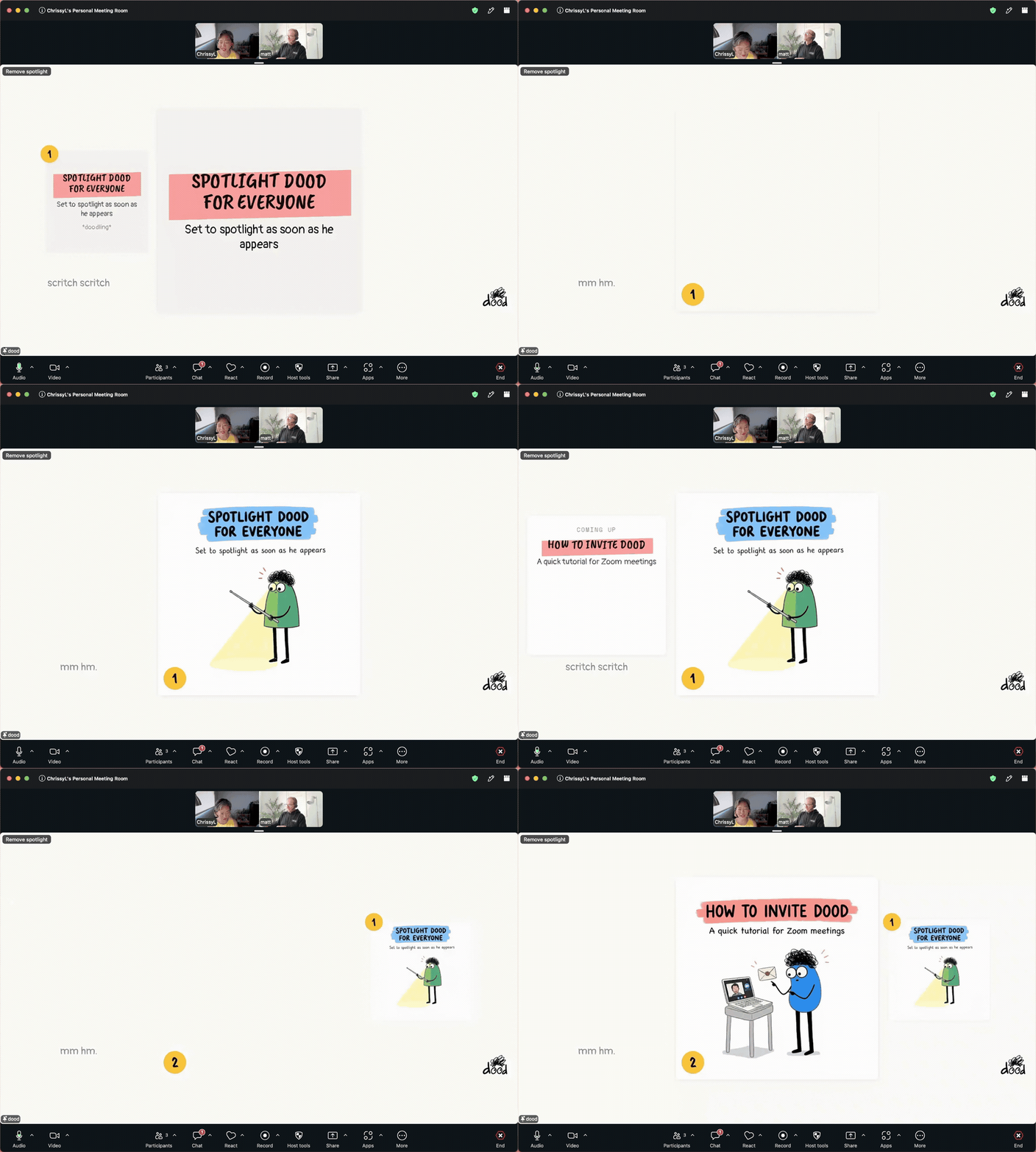
- While a doodle is being doodled, a placeholder card shows its headline with "scritch scritch" under it. The finished picture then scribbles in over the top.
- dood's line at the bottom changes as he works: "ok that's the first one. more coming.", "wow. that's huge." on a big moment, "(not doodling this bit, it's fine)" on small talk.
The to-do list writes itself
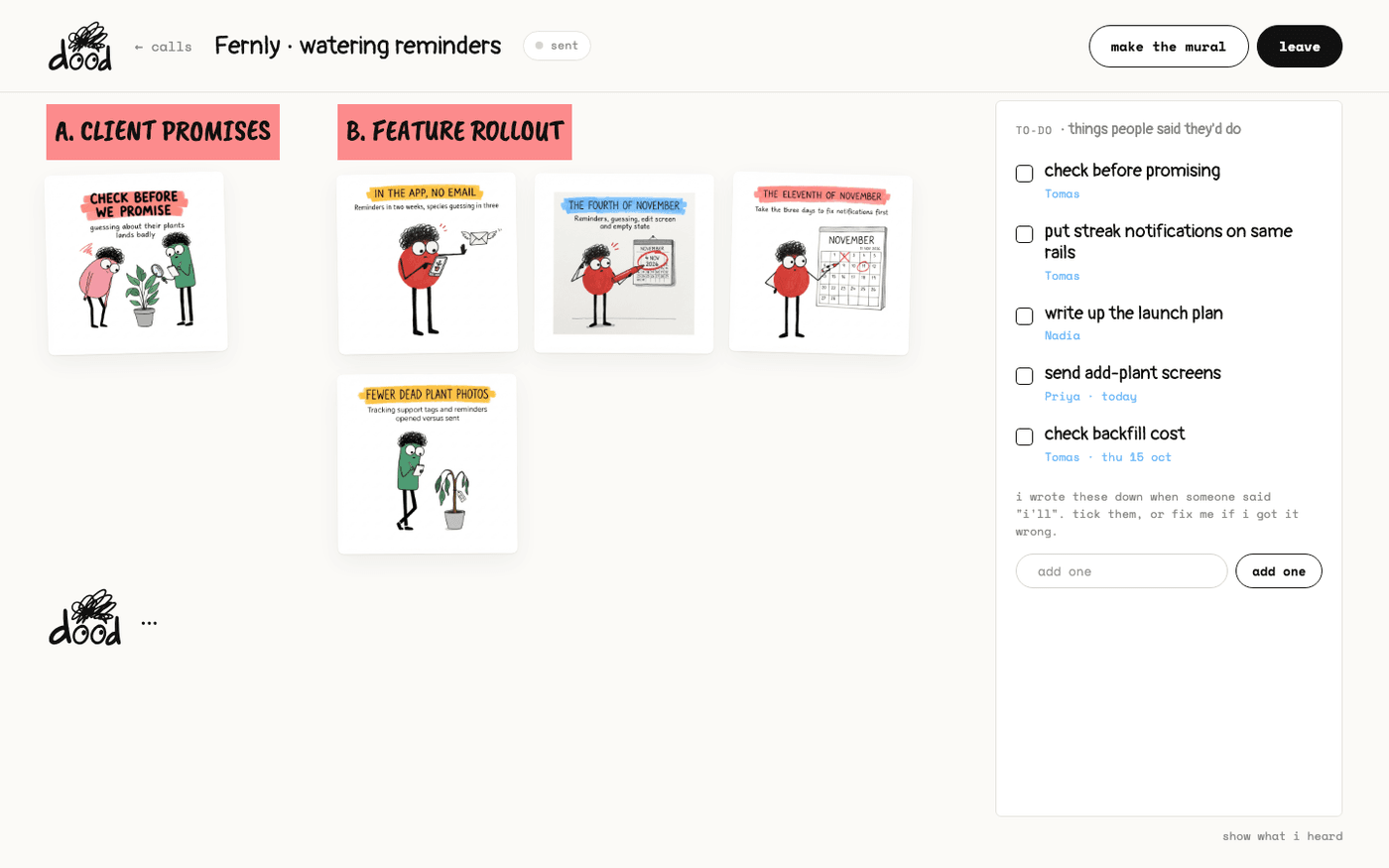
When someone says "i'll", dood writes a to-do with their name and, if they said one, the day. The panel heading is "to-do · things people said they'd do".
- Tick a box when something is done.
- To add one he missed, type it in the "add one" field and press "add one".
The footer says it plainly: "i wrote these down when someone said 'i'll'. tick them, or fix me if i got it wrong."
See the words he heard
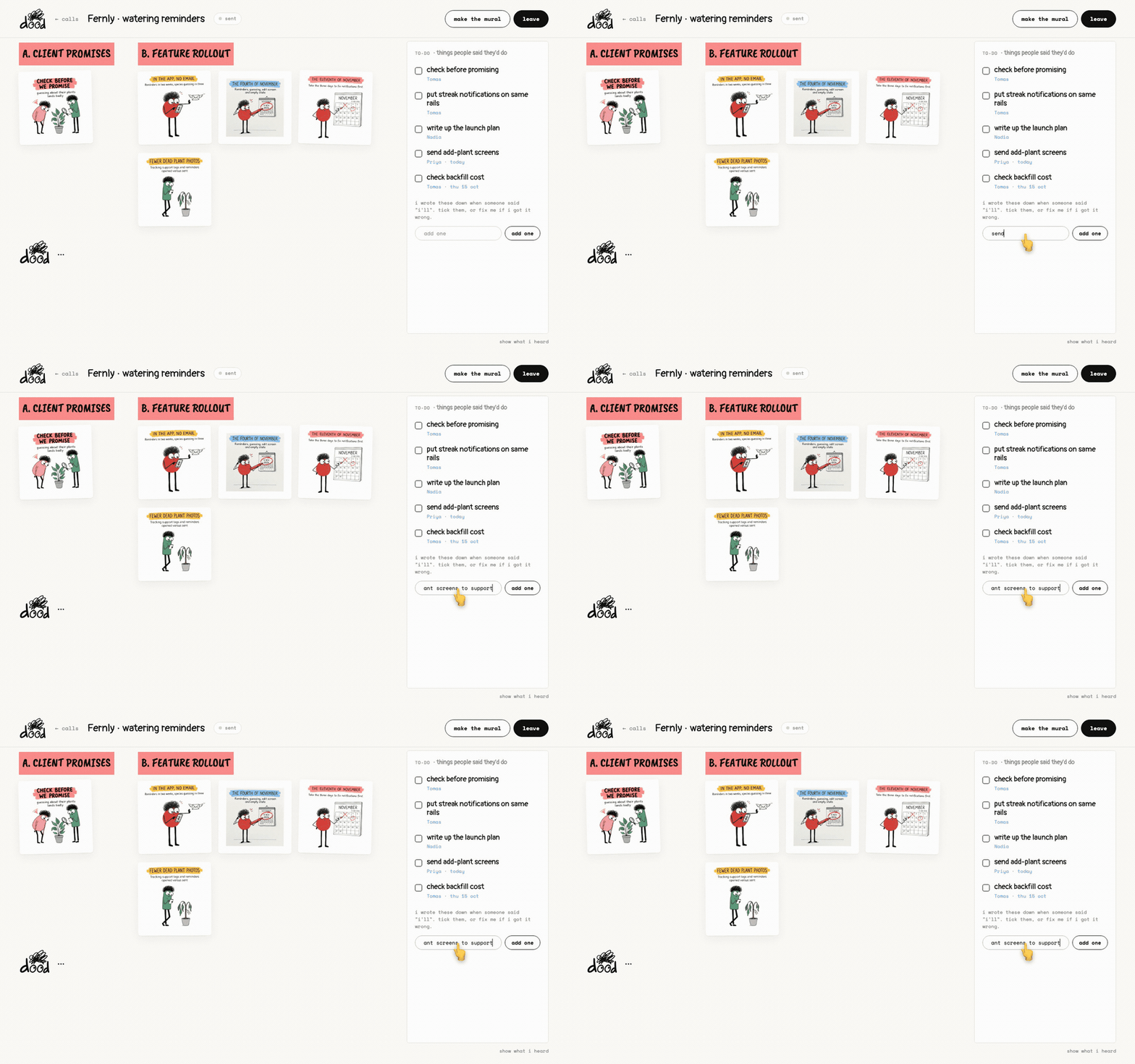
Press "show what i heard" under the to-do panel. The live transcript opens with each speaker's name. Press "hide what i heard" to close it.
Only you see this. The transcript never goes to the other people on the call, and sharing the meeting later does not share it either.
Leave, or make the mural early
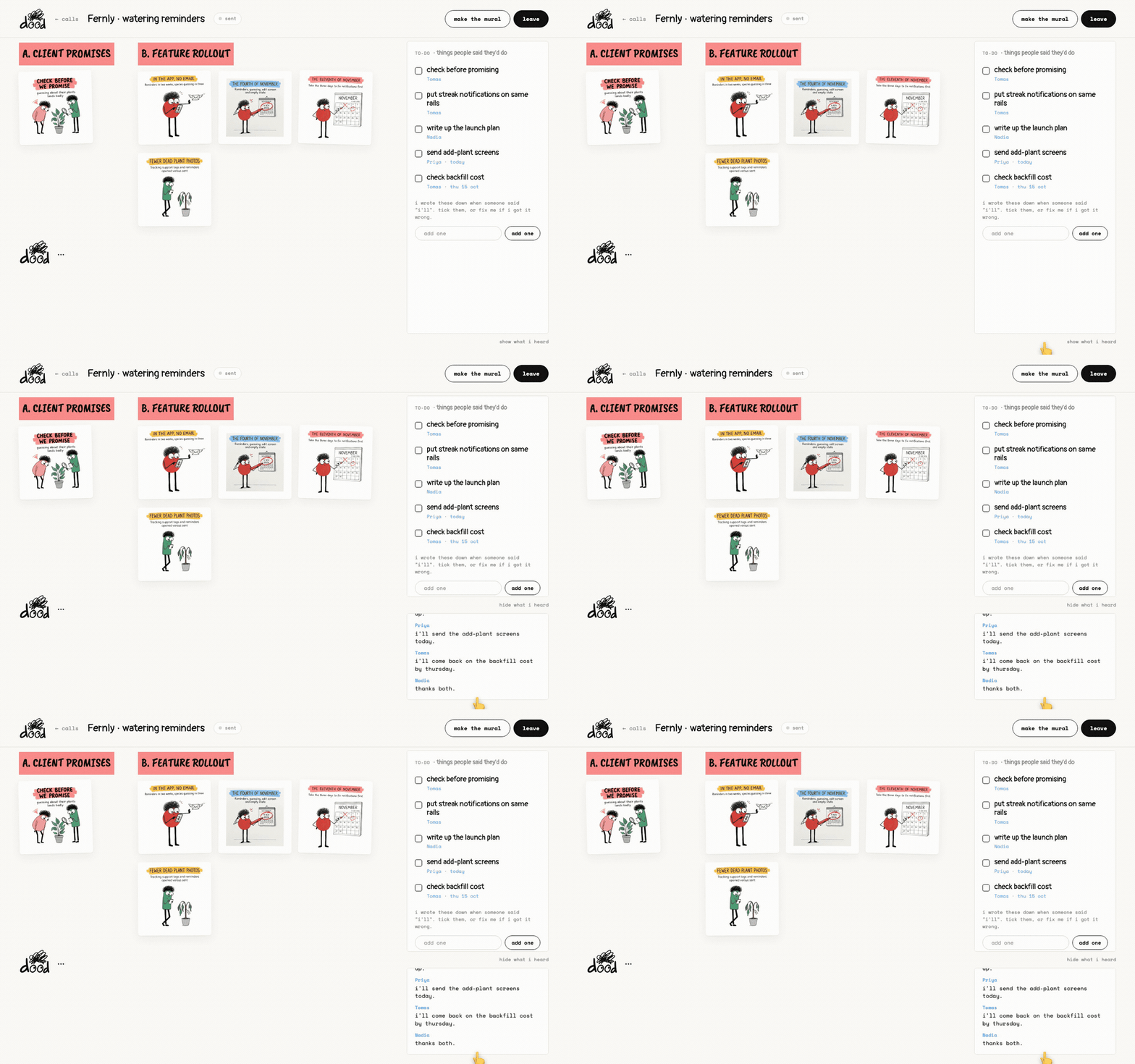
Two buttons sit at the top right.
- "leave": dood says "cool cool. bye." and leaves the call. The recap starts straight away.
- "make the mural", once there are two or more doodles: it stitches what he has so far into a mural without ending the call, and he keeps doodling after it.
dood also leaves on his own when the call ends, when the room is empty, or when his time is up.
When his time is up
Each plan has a limit per call: 45 minutes free, 60 on Doodler, 90 on Scribe.
- Five minutes before, his line reads "five minutes left on my clock. then i'm off."
- When the limit lands he leaves and the page says "that's my hour. i'm off. the mural's on its way."
- The recap covers everything up to that point.
On a paid plan, long-call credit adds 30 minutes to each of your next five calls. It is a US$10 top-up on the plan page.
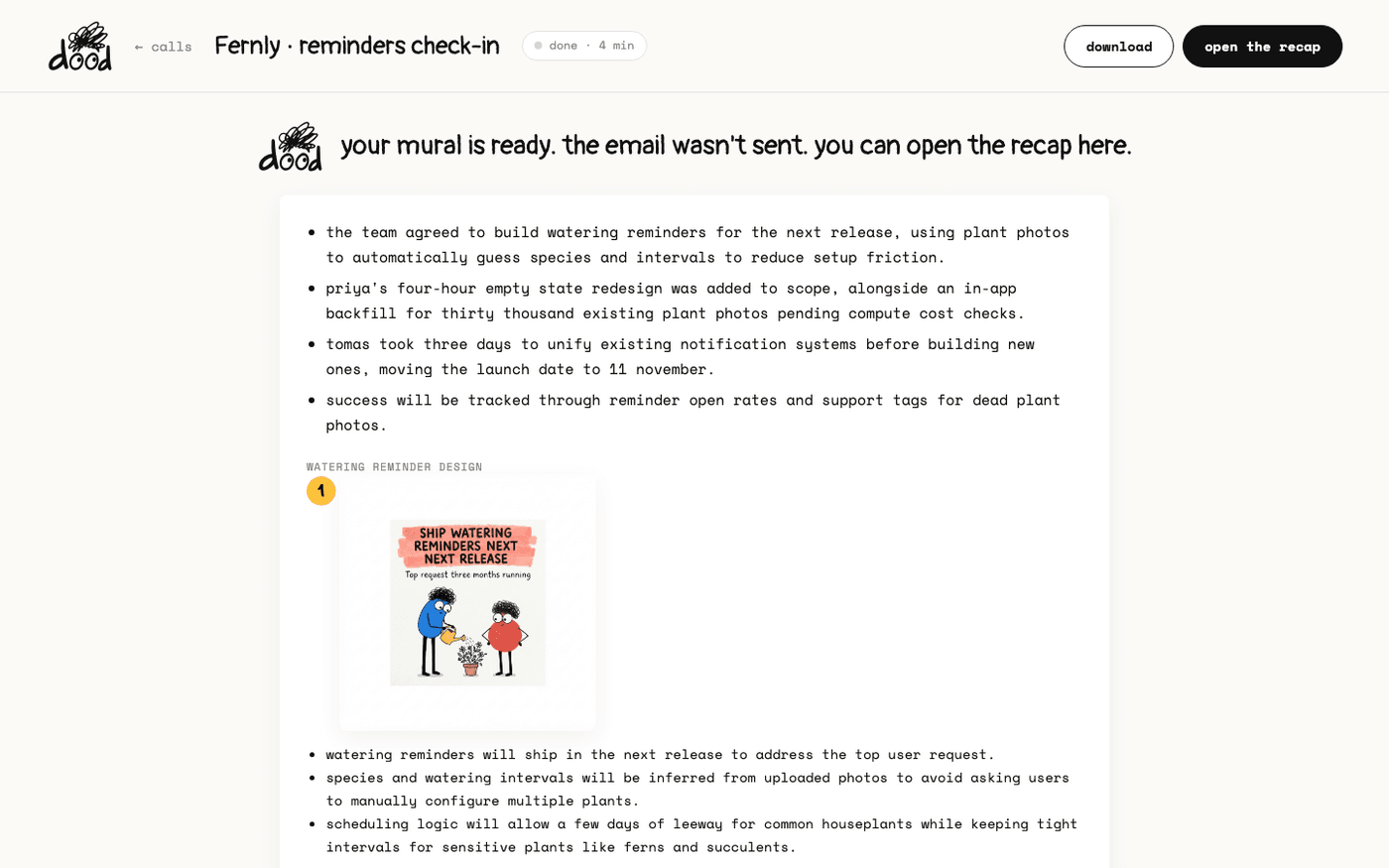
The call page only shows the doodles grouped by topic. The finished pictures, numbered in order, are on the recap page once the call ends.
Last verified 13 October 2026