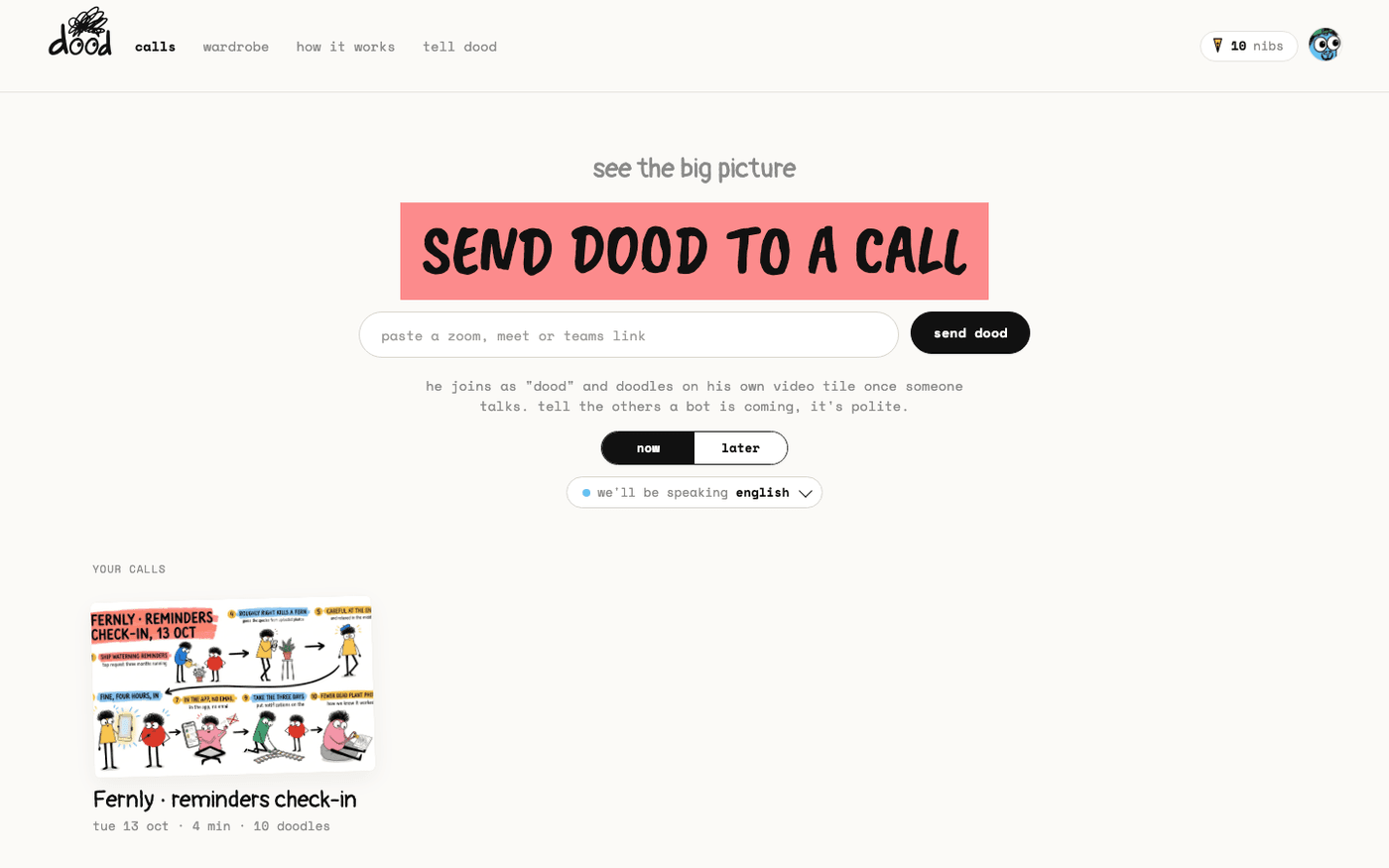
In short: Paste the meeting link at app.meetdood.ai, then press Admit when dood knocks.
dood works the same way on all three platforms: you paste the meeting link, he knocks, somebody lets him in, and he sits in the participant list for the whole call.
The one step that differs is how each platform asks you to admit a guest.
What everyone sees
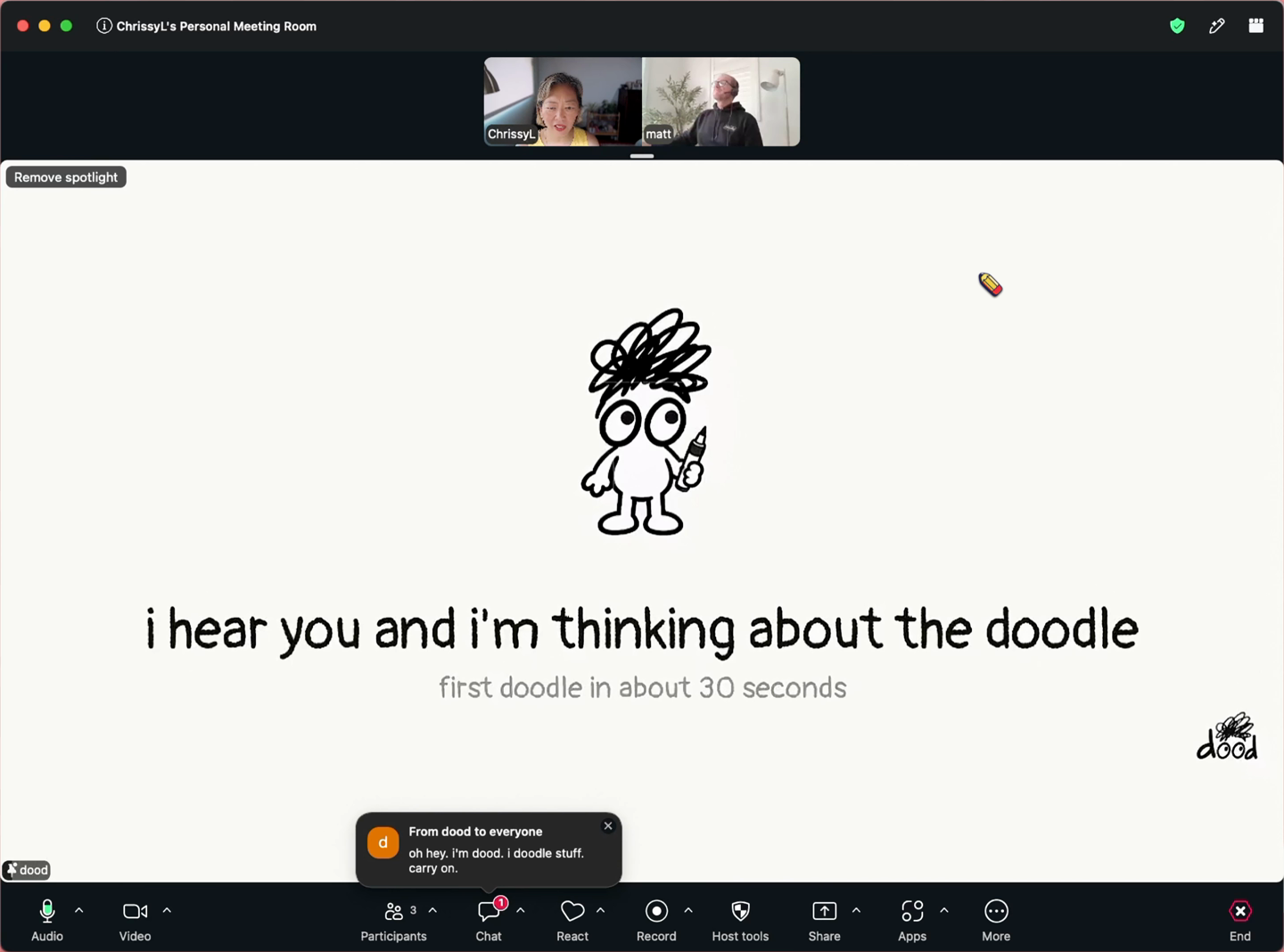
dood joins as a guest participant named "dood". He never talks, never shares a screen and never summarises out loud.
- His chat line when he arrives is "oh hey. i'm dood. i doodle stuff. carry on."
- He stays in the participant list for the whole call, like anyone else.
- Audio is never stored. Speech becomes text as it is said and nothing keeps a copy of the sound.
Zoom: invite and admit
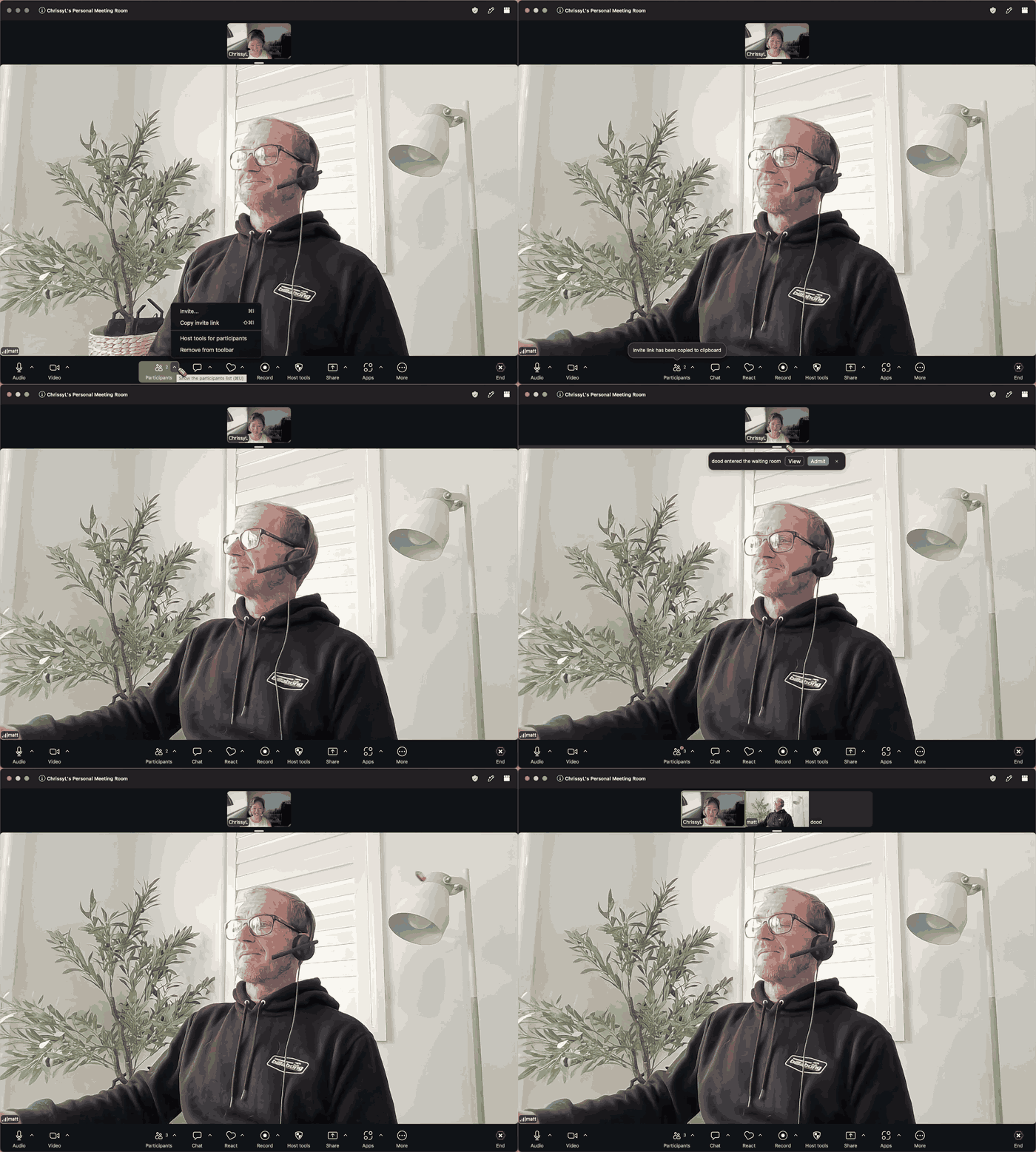
In Zoom, press Participants, then Copy invite link. That is the link dood needs: paste it at app.meetdood.ai and press "send dood".
- A moment later the meeting says "dood entered the waiting room". Press Admit.
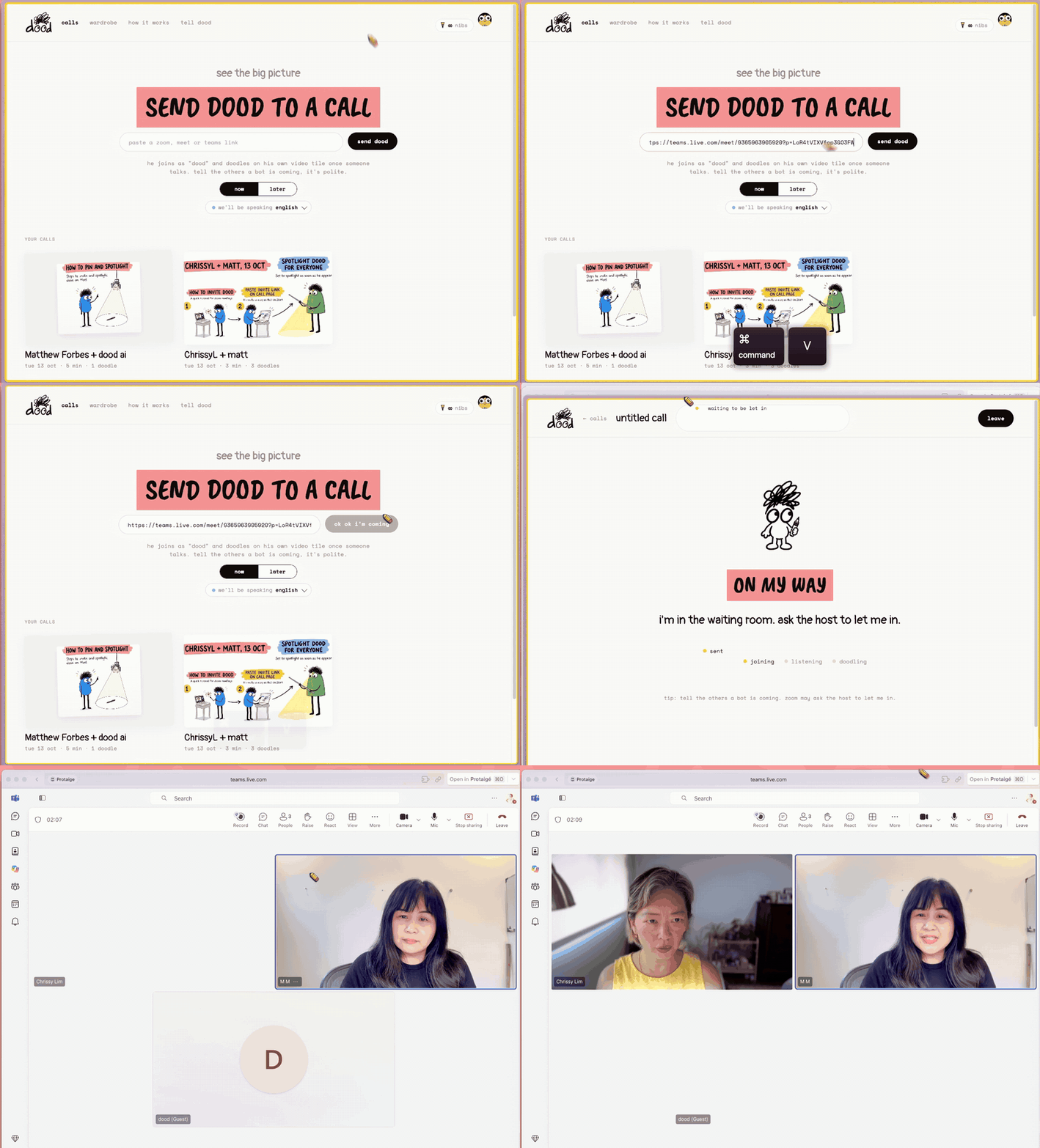
- Until you do, dood's own page says "i'm in the waiting room. ask the host to let me in."
- Free Zoom meetings end at 40 minutes. dood's free plan allows 45, so the Zoom limit comes first.
Google Meet: invite and admit
Copy the meeting link from Google Meet, or from the calendar invite, and paste it at app.meetdood.ai.
- dood asks to join. The host sees "someone wants to join this call" and presses Admit.
- Nobody has to install anything, and dood needs no Google account of his own.
Microsoft Teams: invite and admit
Copy your Teams meeting link, paste it at app.meetdood.ai and press "send dood".
- Teams puts guests in the lobby, so a "Waiting in the lobby" notice appears with dood (Guest) on it: press Admit.
- Until someone does, dood's own page says "i'm in the waiting room. ask the host to let me in."
- Some company tenants block guest bots. If dood cannot get past the lobby, ask your IT team to allow a guest named "dood".
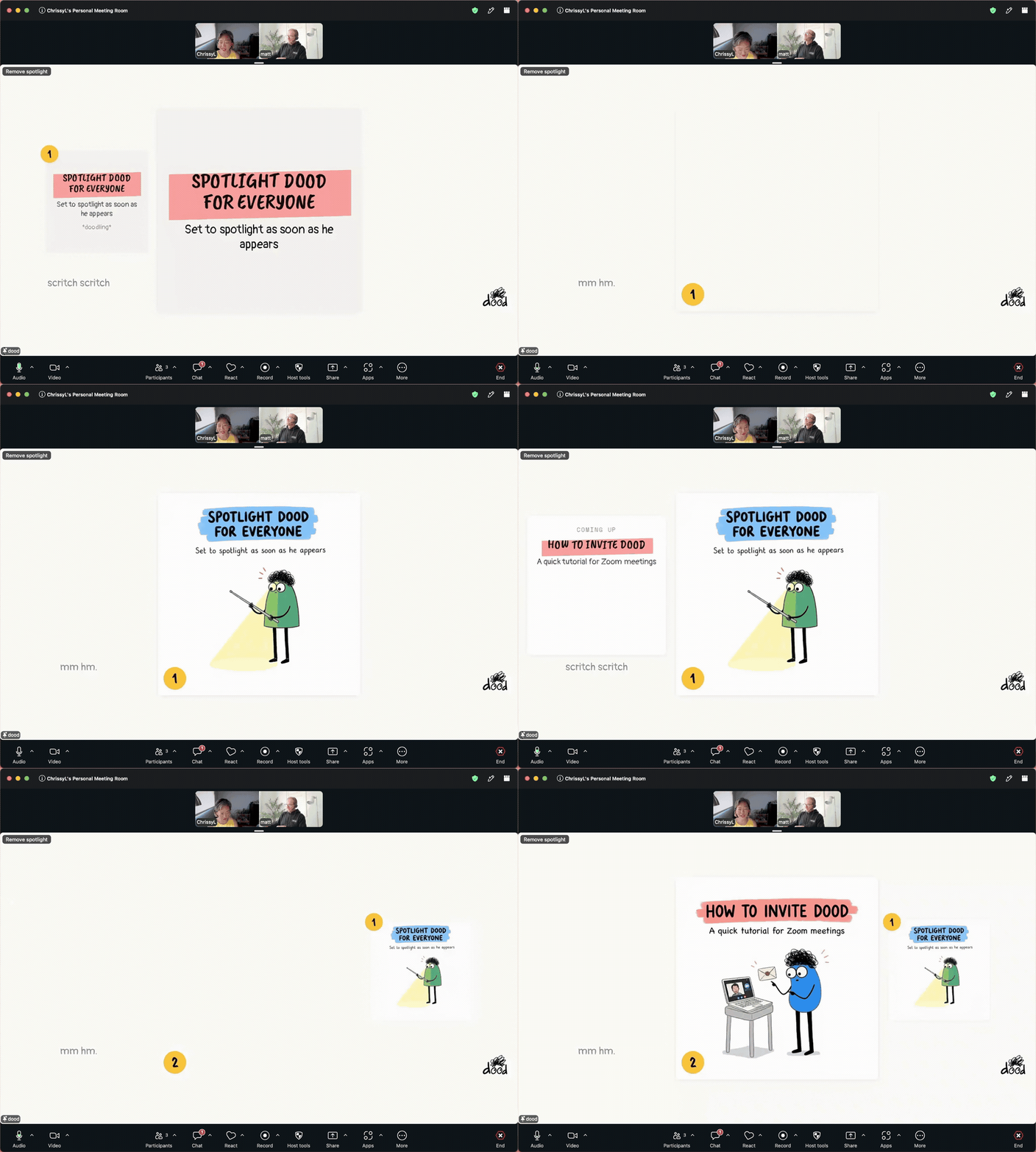
Once he is in, his tile is small among everyone else's. Put it on the big screen: see Put the doodles on everyone's screen.
Last verified 13 October 2026