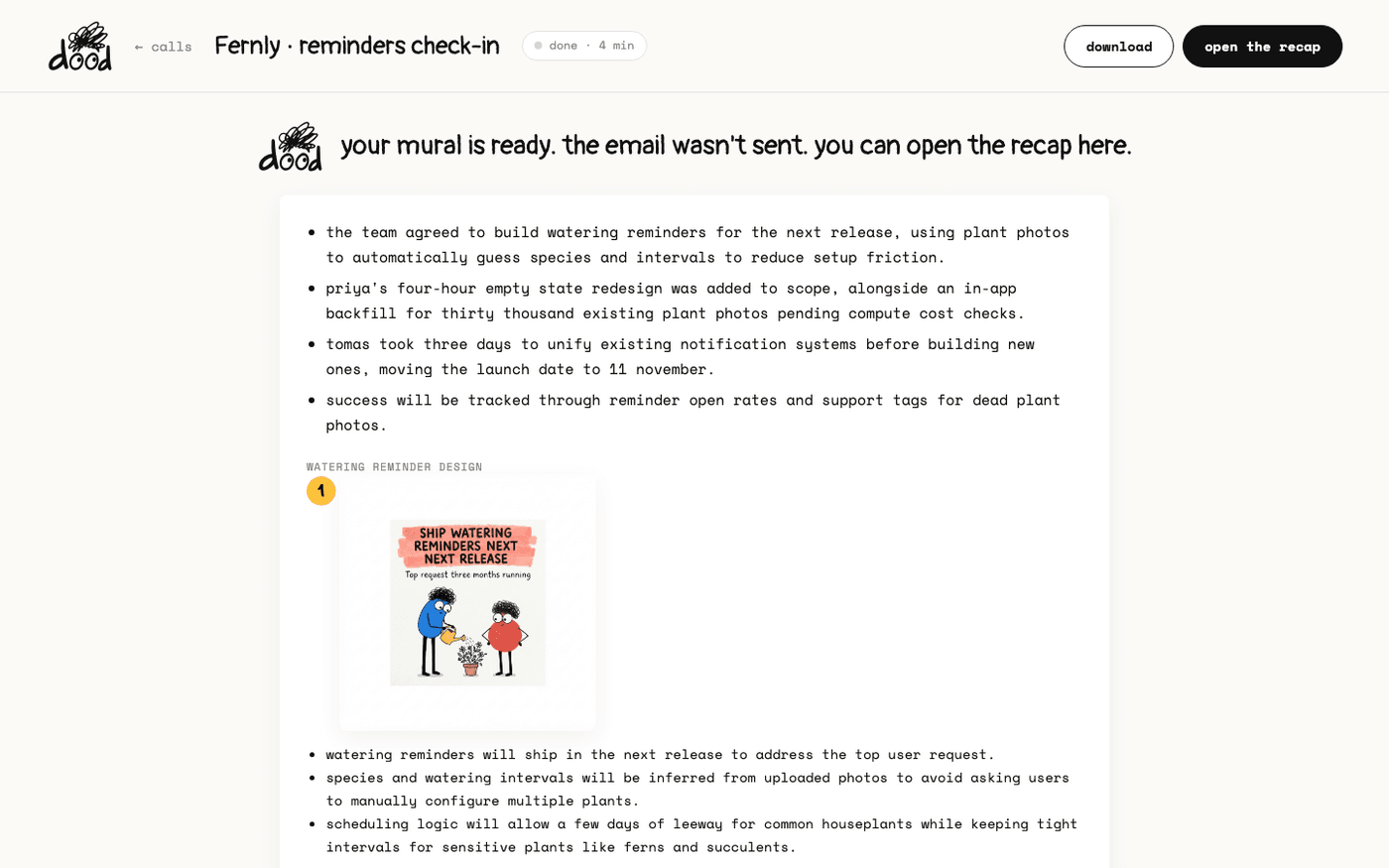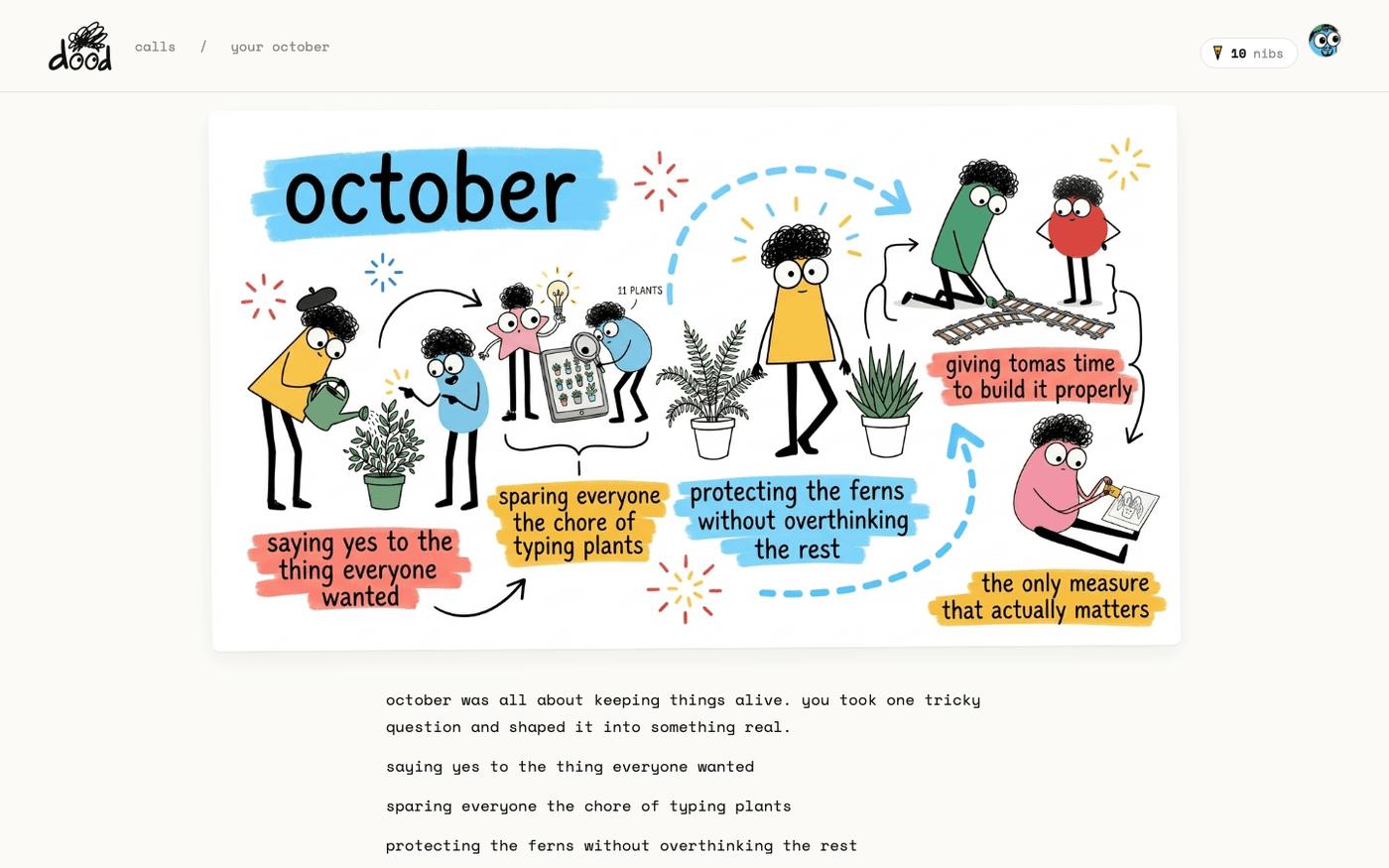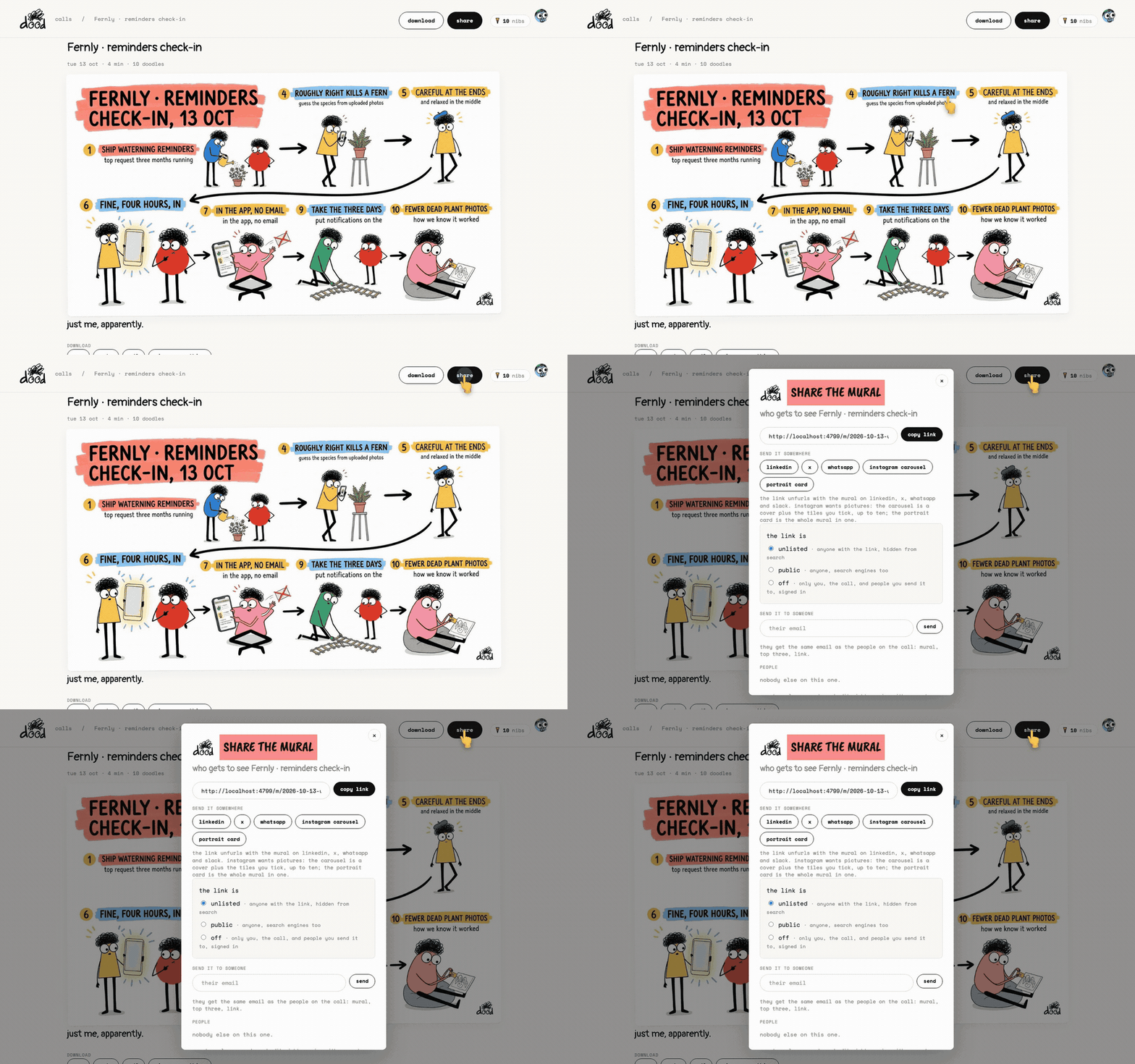
In short: On the recap page press "share". Press "copy link", or pick a place to send it. Set "the link is" to "unlisted", "public" or "off".
Every meeting starts with an unlisted link: anyone who has it can open it, and search engines cannot find it. You can open it up, close it, or send it to one person at a time. Whoever you share with sees the doodles, the mural and the to-dos, never the transcript.
Open the share sheet
On the recap page, press "share" at the top right, or "manage sharing" under the download row. The sheet is titled "share the mural".
- Press "copy link" to copy the address.
- The link unfurls with the mural on LinkedIn, X, WhatsApp and Slack.
Send it somewhere
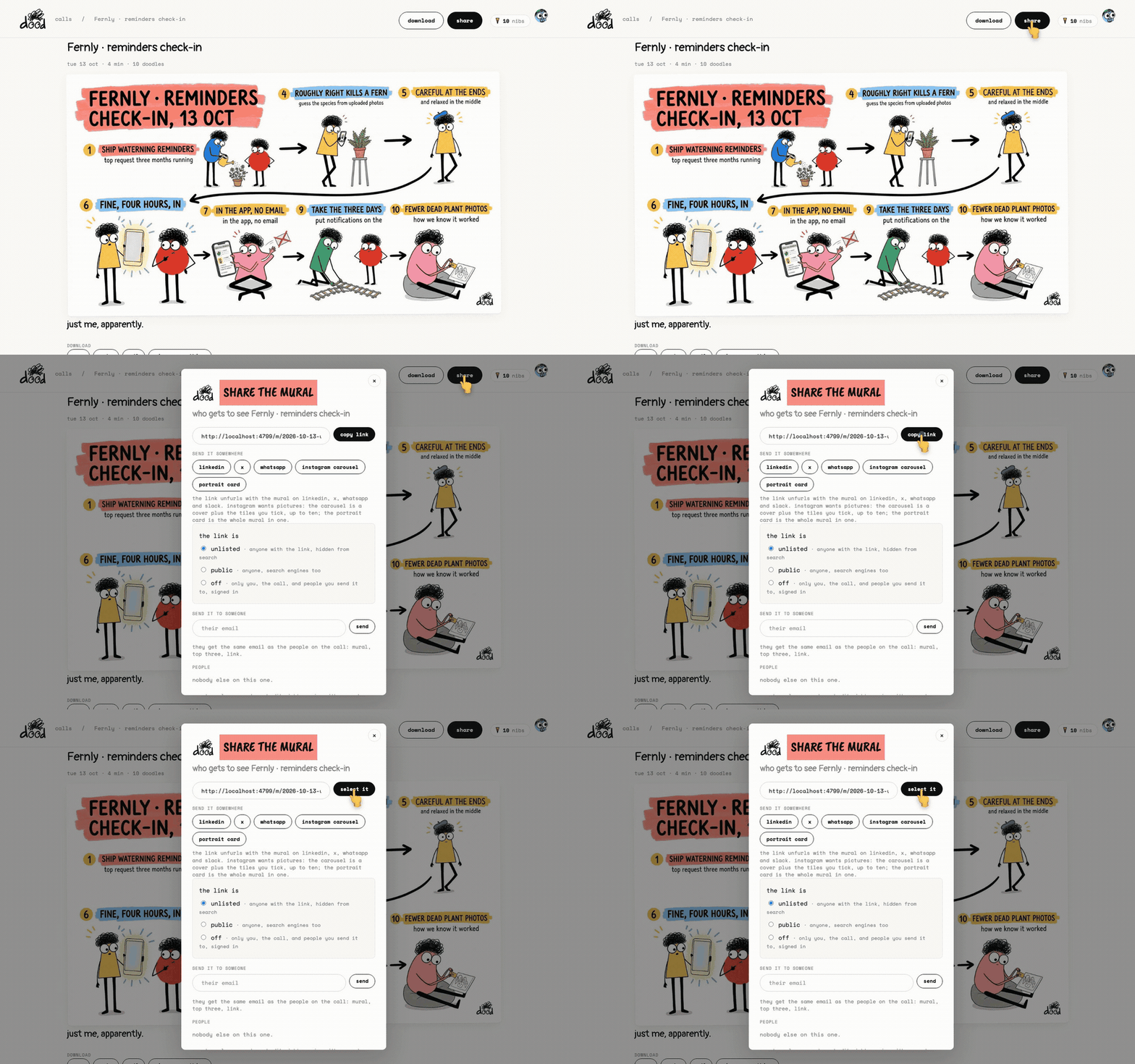
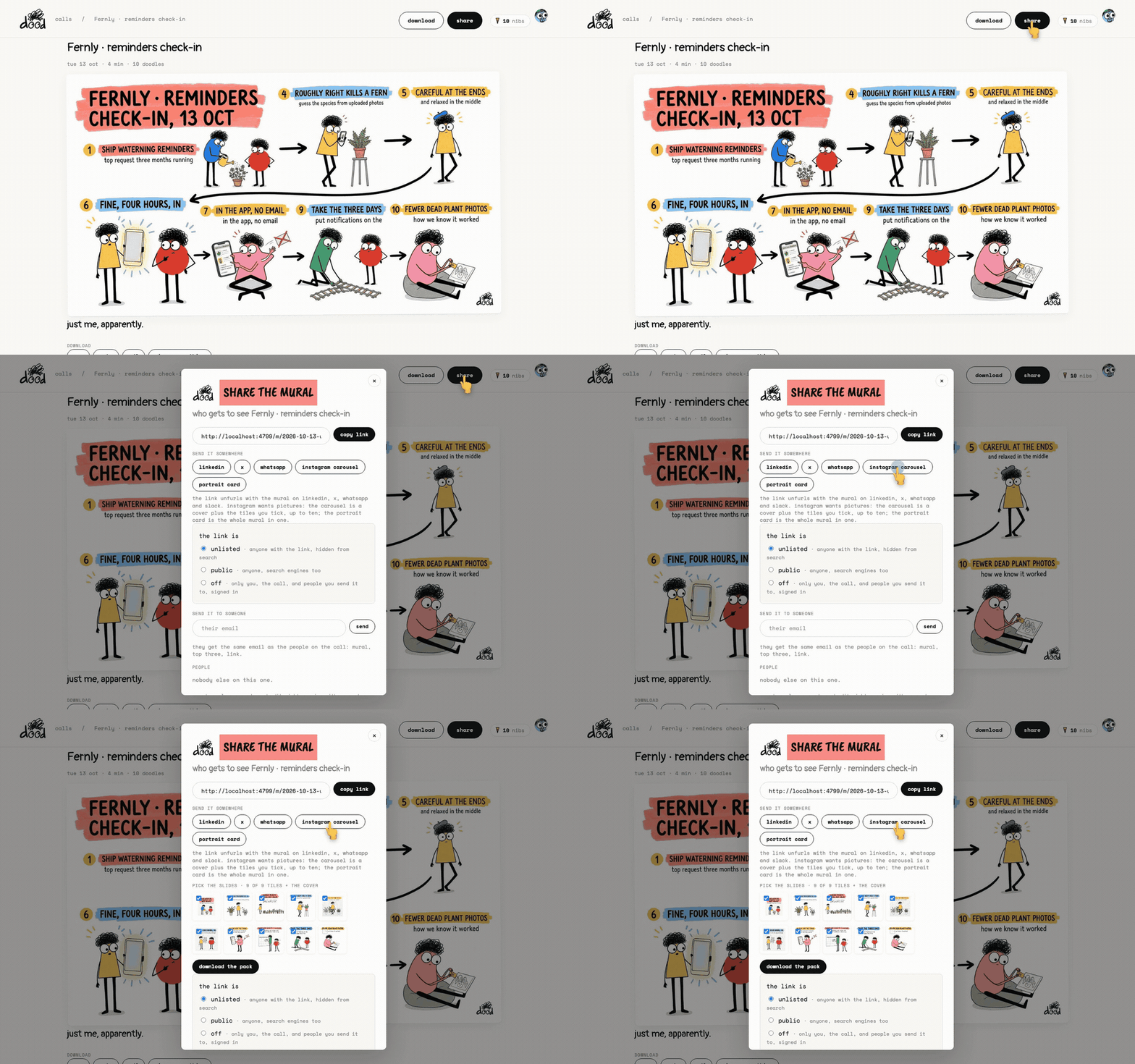
Under "send it somewhere" the sheet has a row of places.
- "linkedin", "x" and "whatsapp" post the link there.
- "share..." opens your phone or computer's own share menu.
- "instagram carousel" is for Instagram, which wants pictures rather than links: tick up to nine doodles and press "download the pack". You get a cover plus the doodles you ticked.
- "portrait card" is the whole mural as one tall picture.
Decide who can open the link
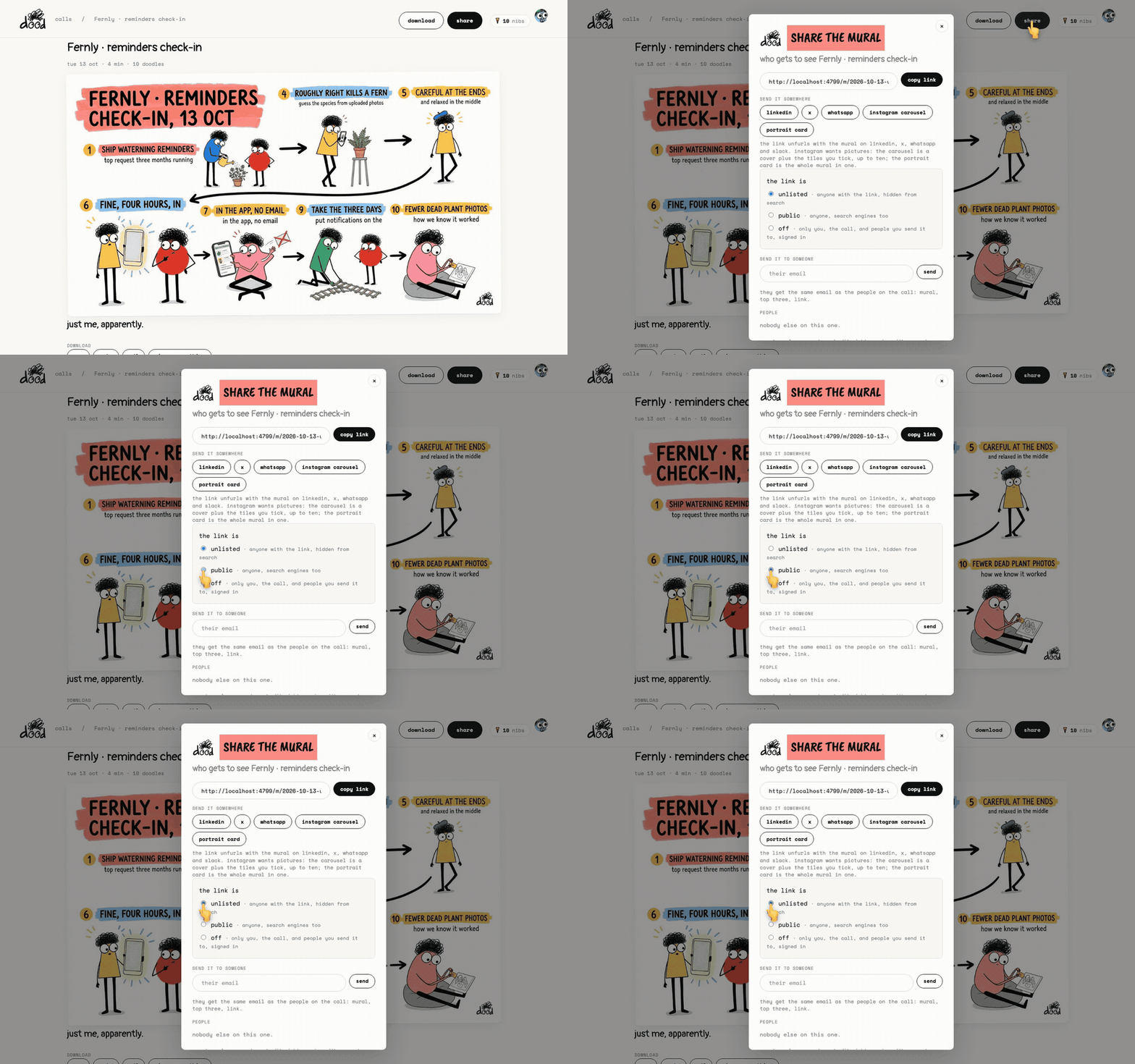
Under "the link is", choose one:
- "unlisted": anyone with the link, hidden from search. This is the default.
- "public": anyone, and search engines too.
- "off": only you, the people on the call, and people you send it to, signed in with the email it was sent to.
Switching to "off" revokes the old link. Someone who opens it then sees "this one's private. sign in with the email it was sent to."
Email it to one person
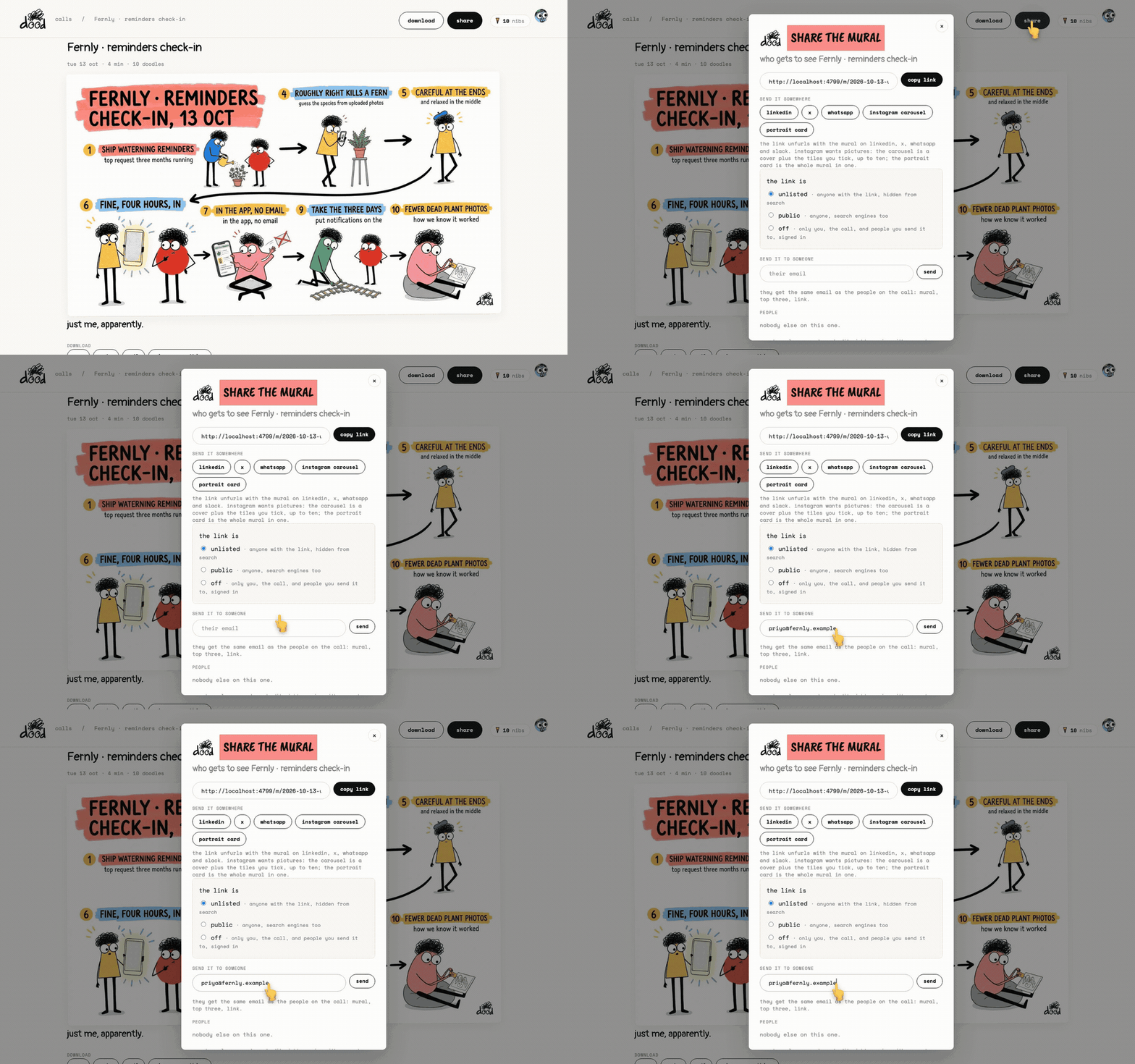
Under "send it to someone", type their address and press "send".
- They get the same email as the people on the call: the mural, the top doodles and the link.
- You can send to up to twenty addresses from one meeting.
The "people" list at the bottom shows everyone on the call and everyone you sent it to, with "emailed" or "can view" next to each name.
What they see
A shared page shows the title, the mural, the topics and takeaways, the to-dos and every doodle.
- It does not show the transcript, the ZIP or the deck.
- The header reads "shared this with you · can view" with a "get your own dood" button.
- They can download the mural as PNG from the bottom of the page.
Named people, comments and edit rights are not built yet. For now the link is the share.
Last verified 13 October 2026